

Track leads
Use the pipeline board to add leads, see what the pipeline is worth, move deals from stage to stage and review them in a table.
The pipeline board has a column for each stage. The totals above show what it's all worth, weighted by how likely each deal is.
Read the pipeline board
The board has a column for each stage, and the totals above show what the pipeline is worth in total, and weighted by how likely each deal is. If you run more than one pipeline, use All pipelines to open another board, or New pipeline to start one from the Sales pipeline, a Blank one or the Public tenders (France) template.
Add a new lead
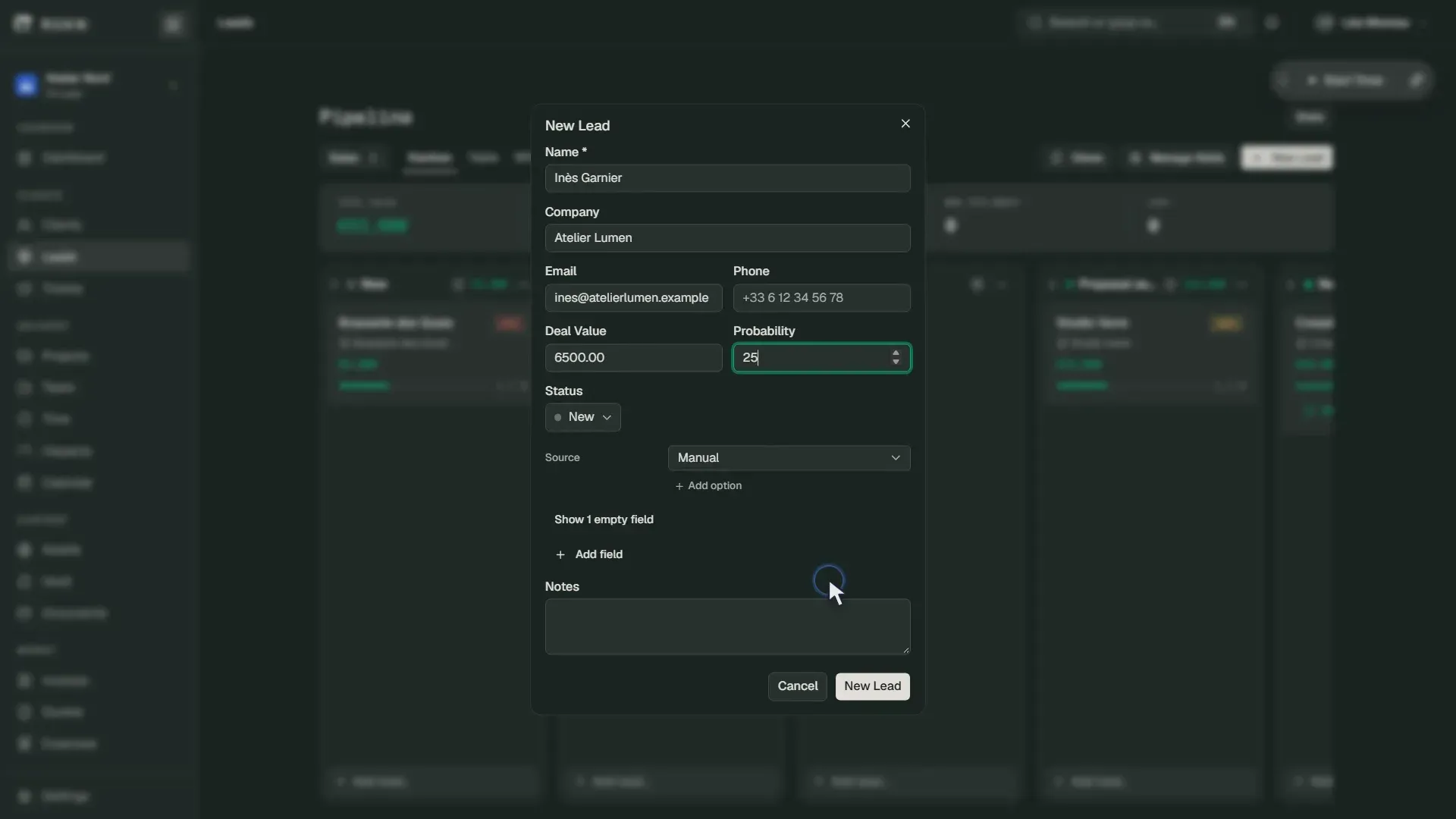
Click New Lead. Add the person, their company and email, and the Deal Value. Set the Probability that it will close, and create it. It lands in the first column.
Open a card
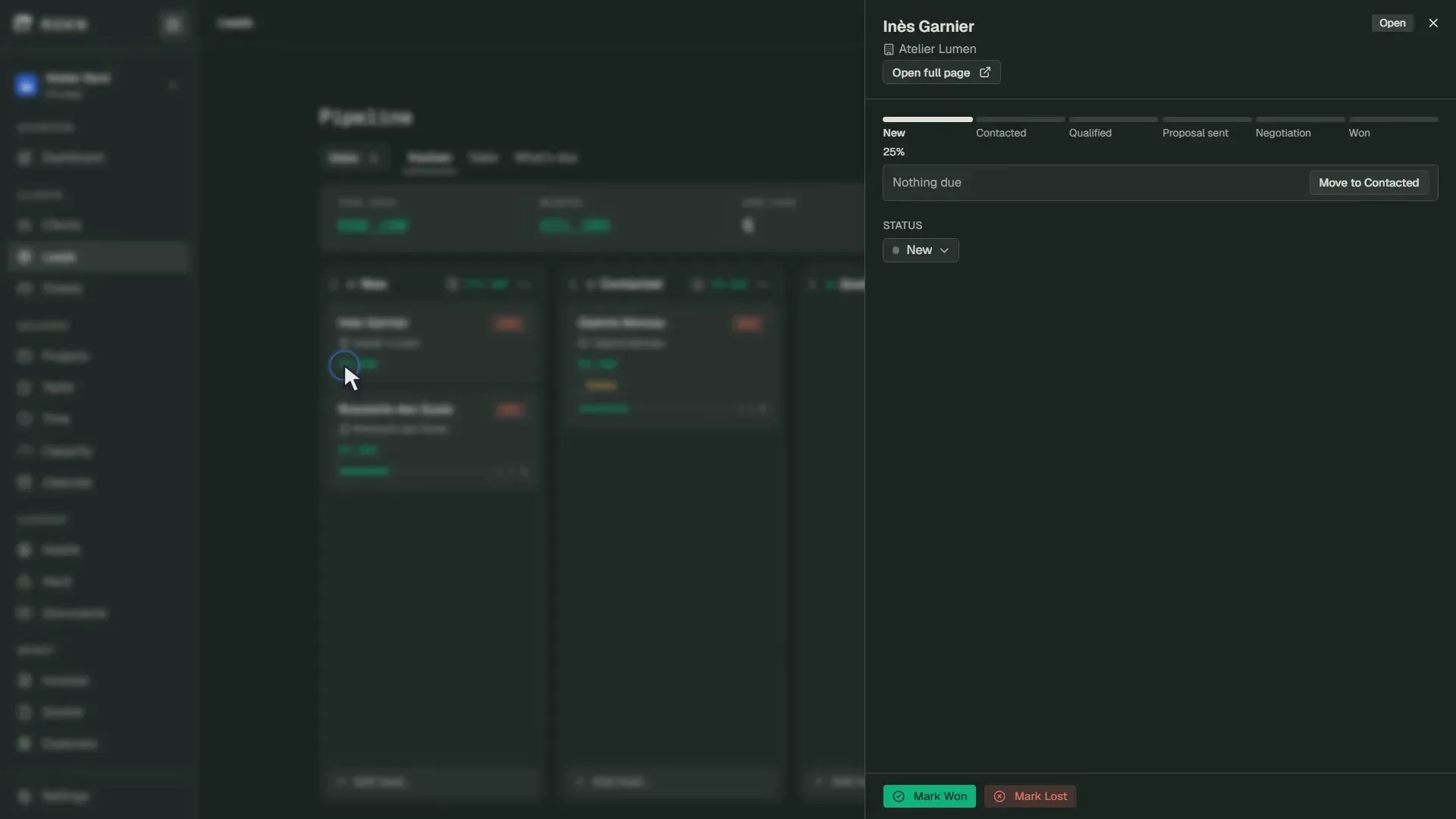
Click a card to see where the lead stands: its stage, its owner, its checklist, and what's next.
Move the deal on
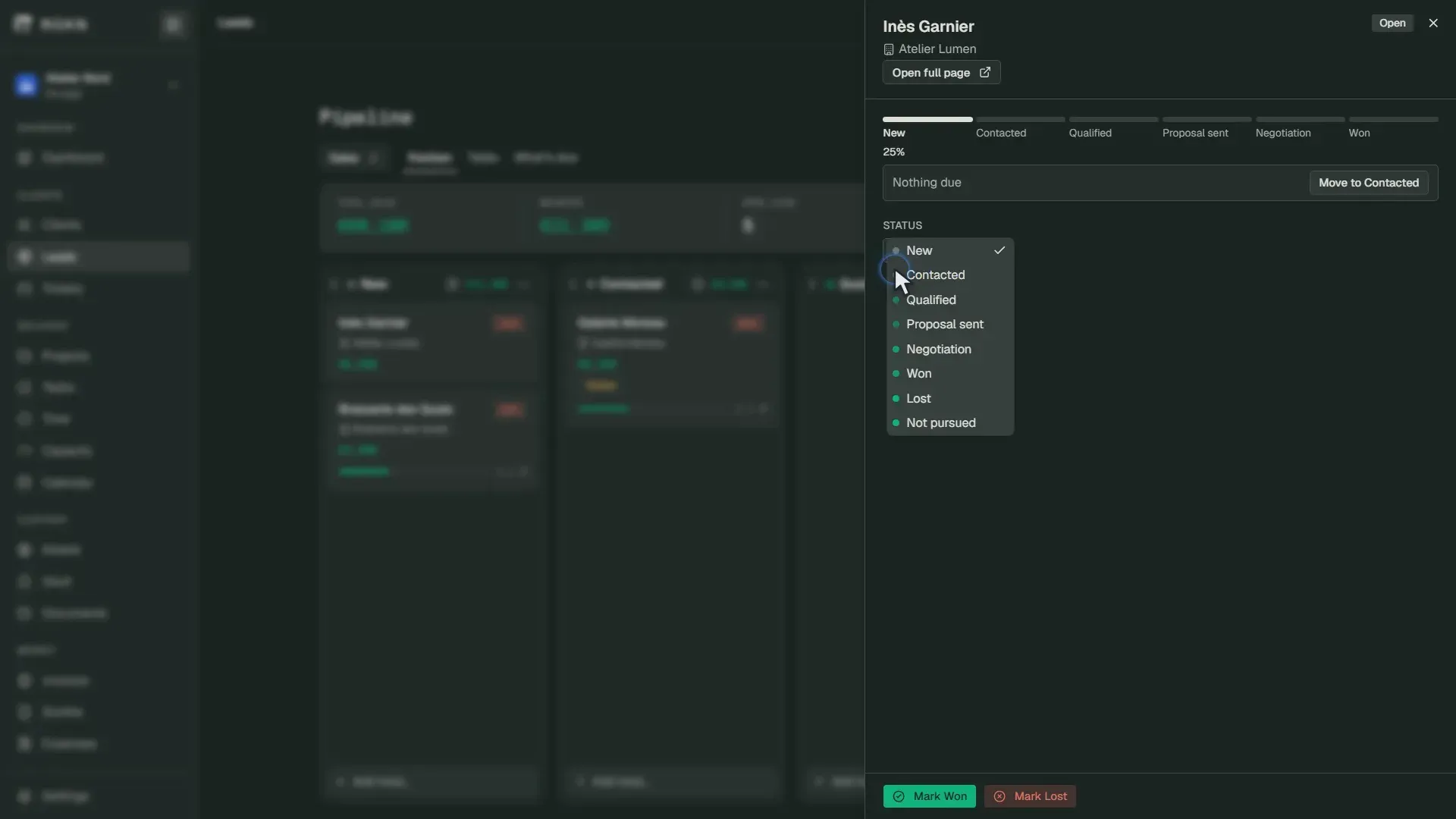
When the deal moves on, change its status. You can also drag the card to the next column.
Spot deals that went quiet
A lead is marked Stalled when nothing has happened on it for longer than its status allows, and Follow-up overdue when its next date has passed. Rokn flags both on the card, so no deal goes quiet unnoticed.
Switch to the table
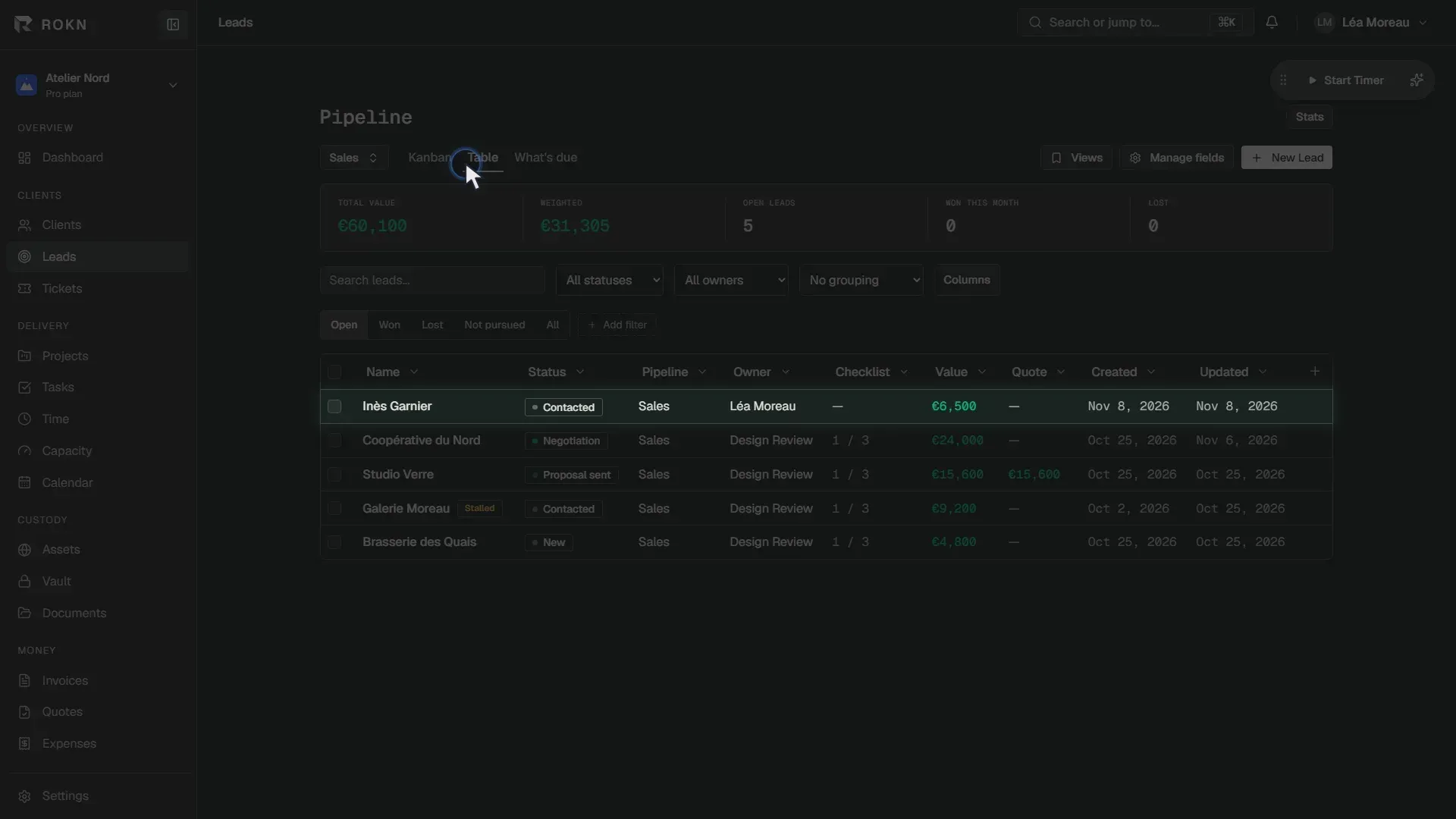
Table shows every lead as a row, which you can sort, filter and save as a view.
Good to know
- A new lead lands in the first column of the pipeline.
Next step: when a deal is won, turn the lead into a client.
November 10, 2026
Suggest an improvement