

AI skills
Read the playbooks the AI assistant follows, edit or switch them off, and add your own skill for the work you do most.
An AI skill is a playbook the assistant follows when you start a certain kind of work. Use skills to make the assistant plan your jobs the way you do.
Open AI skills
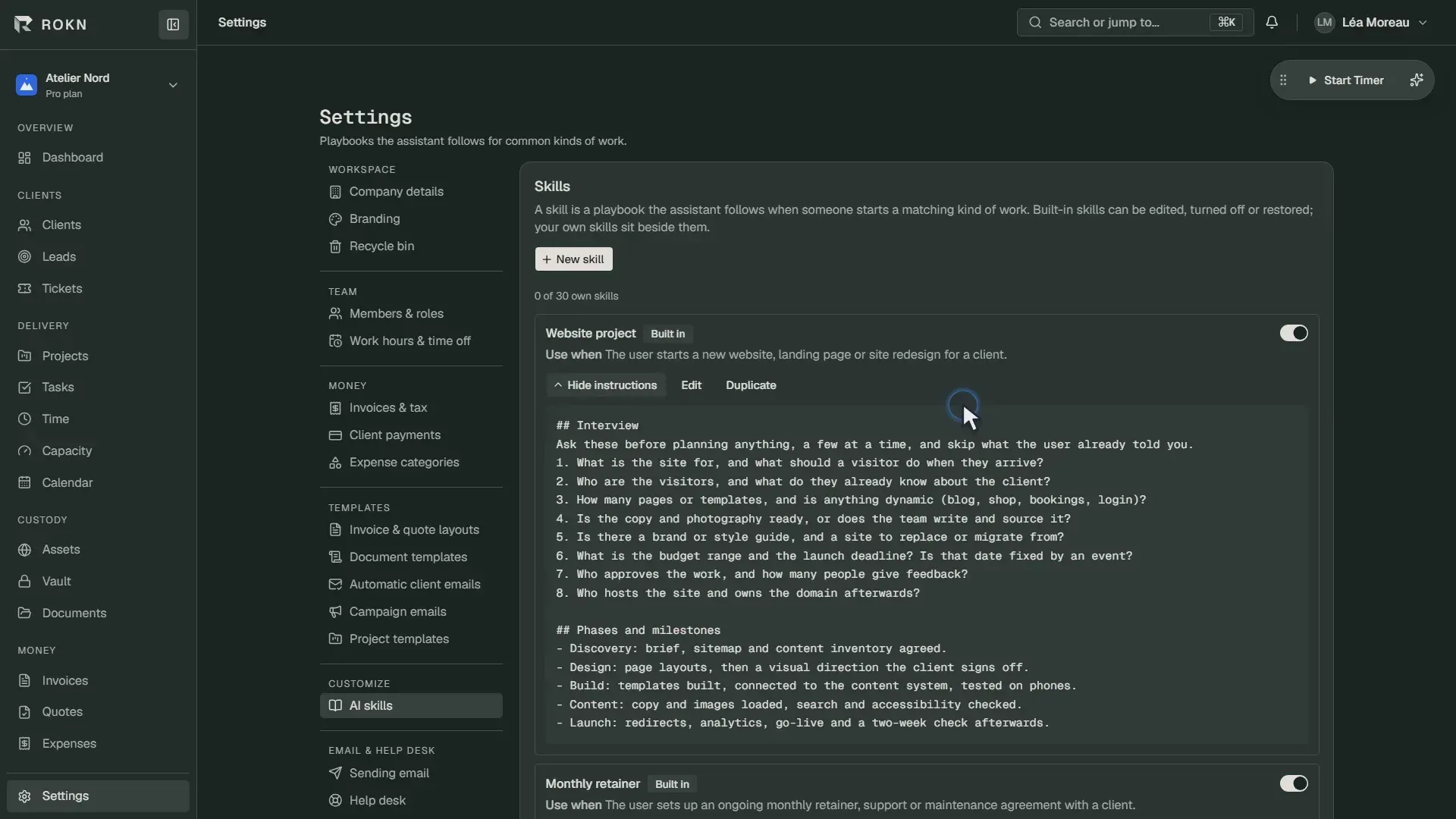
In Settings, open AI skills. Rokn comes with a few built-in skills, such as Website project, Monthly retainer and Brand identity.
Open a skill to read its steps. You can edit a built-in skill, or switch it off.
Add your own skill
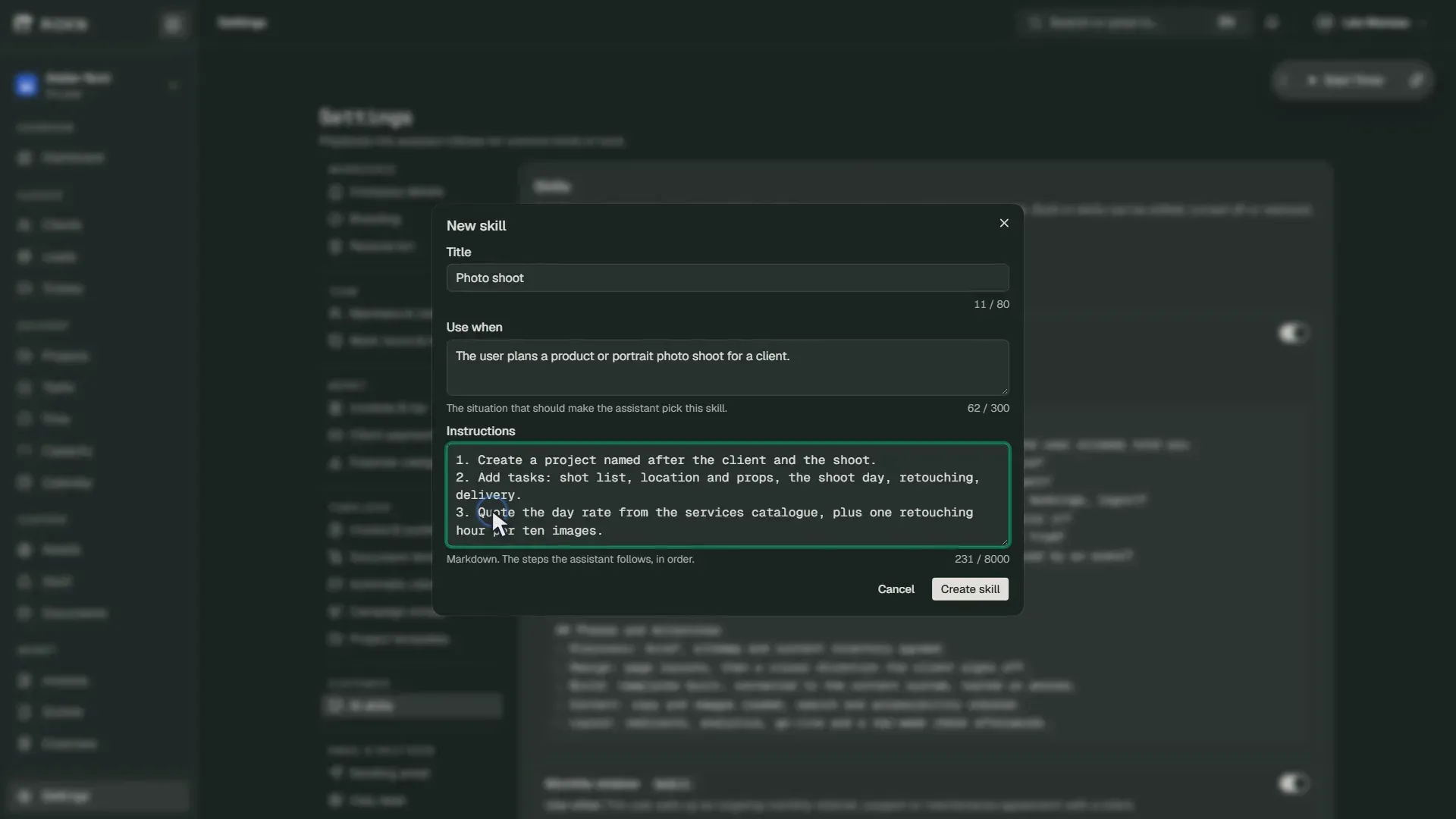
Click New skill. Give it a title, for example Photo shoot.
In Use when, say when the assistant should pick this skill, for example: The user plans a product or portrait photo shoot for a client.
Write the steps
In Instructions, write the steps the assistant should follow, in order. For the photo shoot: create a project, add the tasks, and quote the day rate from your services.
Click Create skill.
The assistant follows it
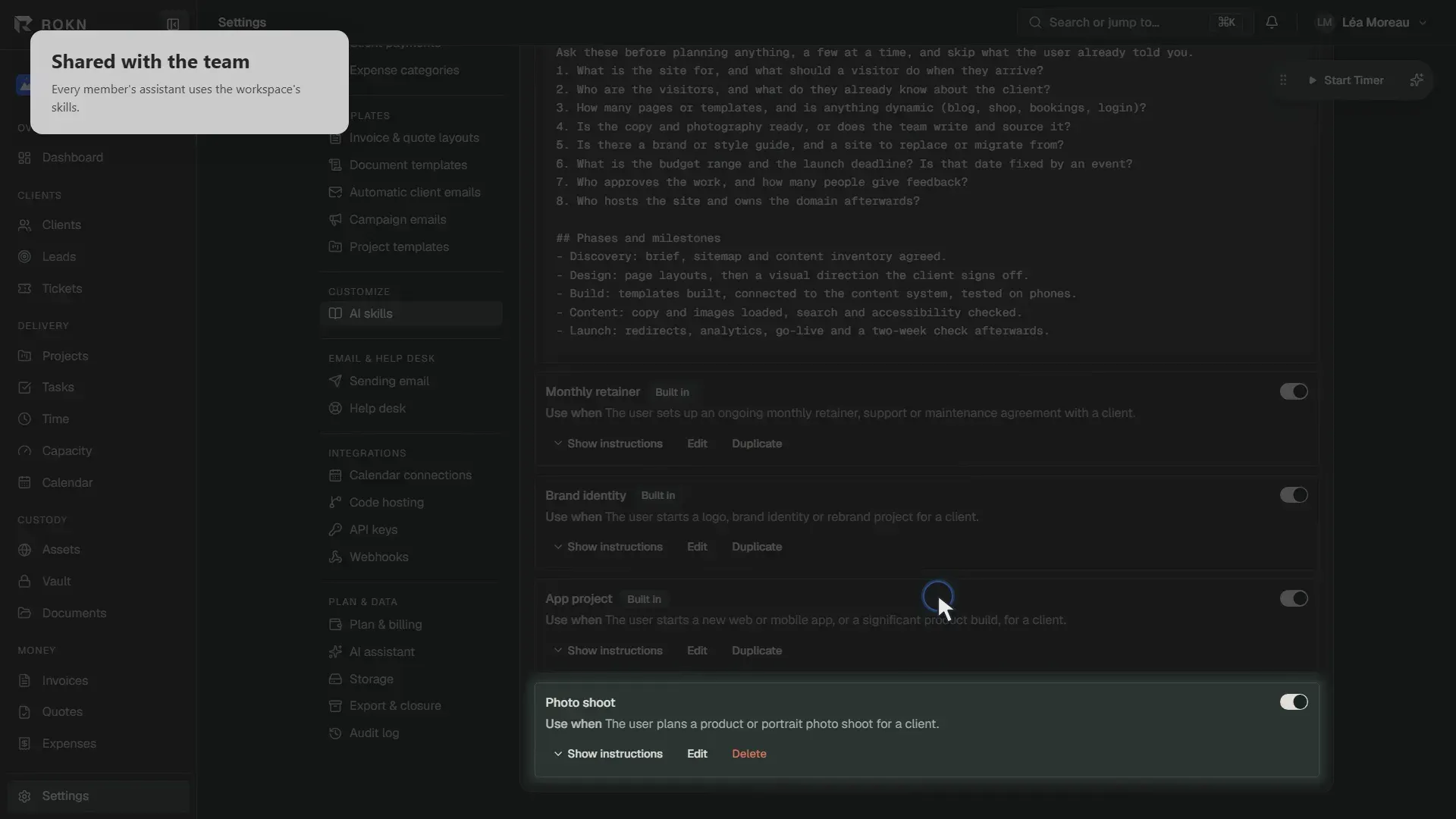
Your skill appears in the list, shared with the team: every member's assistant uses the workspace's skills.
Now, when someone asks the assistant to plan a photo shoot, it follows your playbook.
Good to know
- Built-in skills can be edited, duplicated or switched off.
- Skills are shared with the whole team.
November 10, 2026
Suggest an improvement