

Plan and billing
See which plan you're on, check your usage against its limits, compare plans, add extra storage and review your AI assistant credits.
Everything about your subscription is on one page in Settings. Use it to check your plan, see how much of it you have used, and change it when you need to.
Find your plan
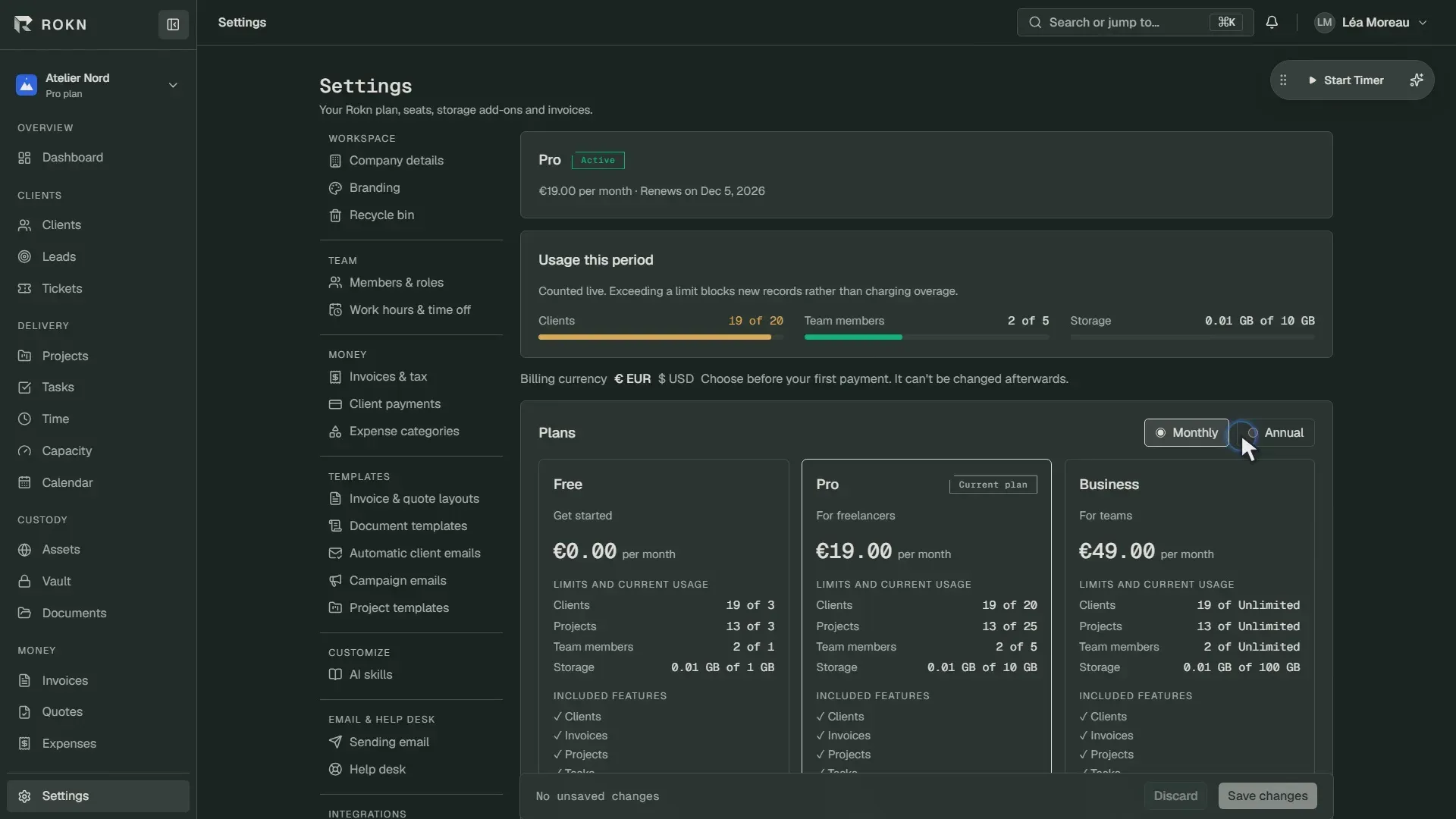
Your plan lives in Settings, under Plan & billing. It shows which plan you're on and when it renews.
Check your usage
Usage this period is counted live against your plan's limits, for example clients, projects, team members and storage.
Reaching a limit stops new records from being created. Rokn never charges you extra for going over.
Add extra storage
Need more room for files? Use Extra managed storage to add storage without changing plan.
Review your AI credits
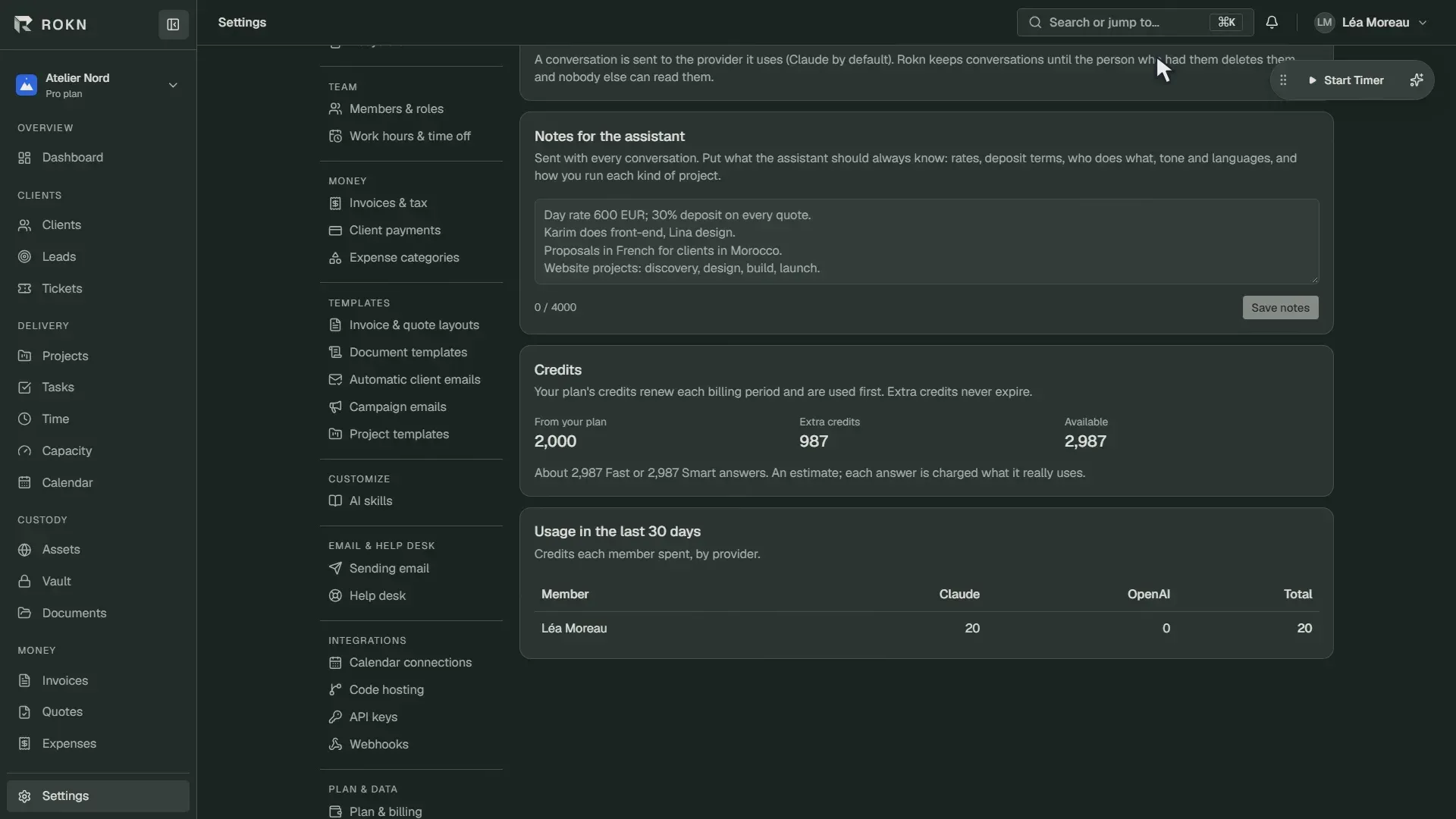
In the AI assistant settings, you can see the credits your plan includes, the extra credits you've bought, and what each member used.
Good to know
- Reaching a plan limit stops new records. Rokn does not bill you extra for going over.
November 10, 2026
Suggest an improvement