

Documents and folders
Keep files with your work, upload them to a project's folder, show them in the client portal, and share them by link with an expiry.
Documents keeps your files next to the work they belong to, and lets you decide who can see them. Use it for deliverables, contracts and anything you share with clients.
Browse the folders
Open Documents. There is a folder for each client and project, and the page shows how much storage you are using.
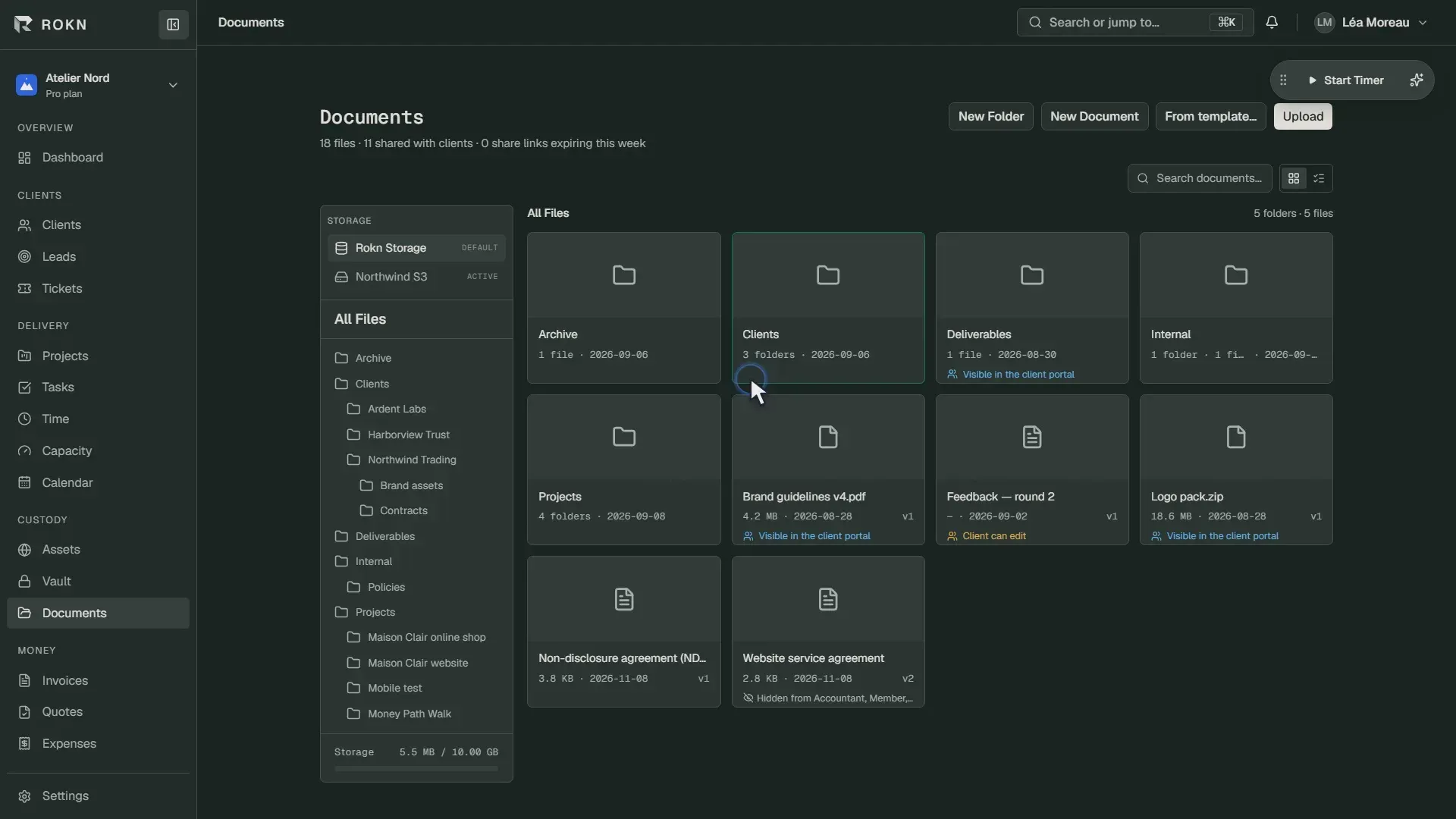
Upload a file
Open a project's folder, then click Upload to add a file.
Open the file
Open the file to see its details and its versions, and to decide who can see it.
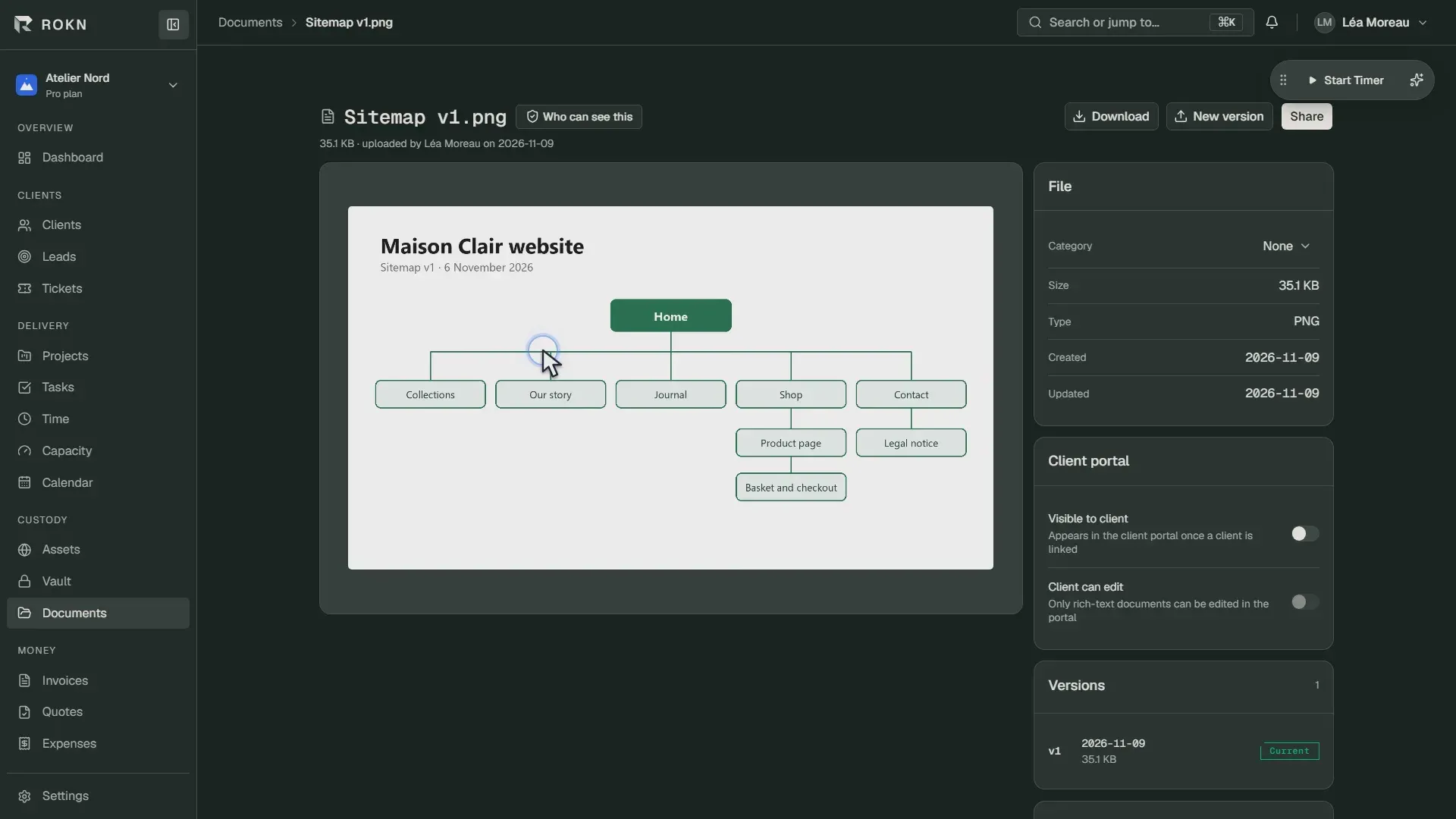
Show it to the client
Turn on Visible to client, and the file appears in the client's portal.
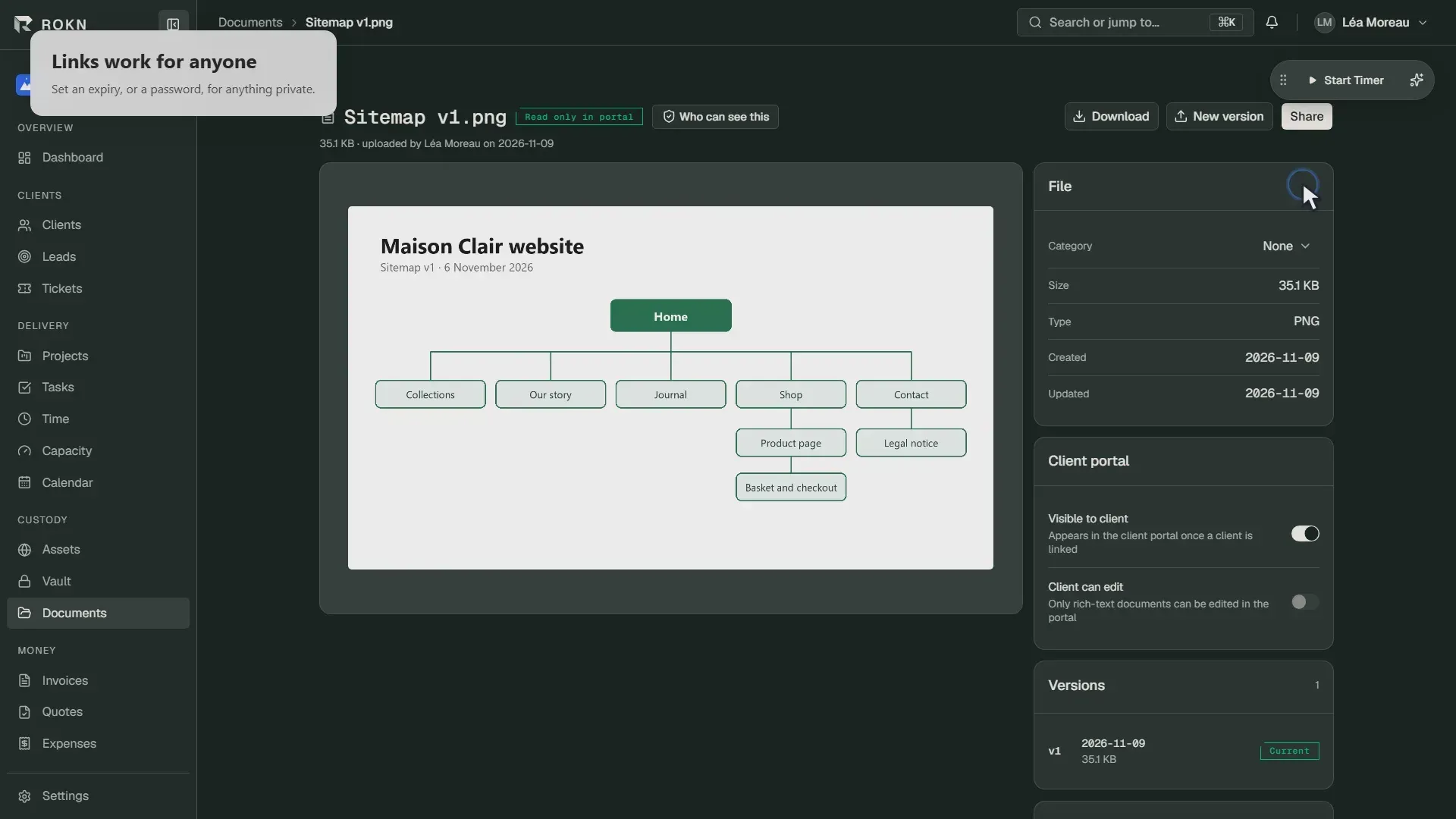
Share a link
To send the file to someone without a portal login, click Share and create a link. Set when it expires, add a password if you like, and copy it.
Good to know
- A shared link works for anyone who has it, so set an expiry or a password for anything private.
November 10, 2026
Suggest an improvement