Workspace roles
Owner, admin, member, accountant, viewer and client. Give your accountant the money without the credentials vault, and your clients only their portal.


Your way of working, with room to build on it. Invite your team, your accountant and your clients, and decide what each role can see, change and delete, section by section.
Start free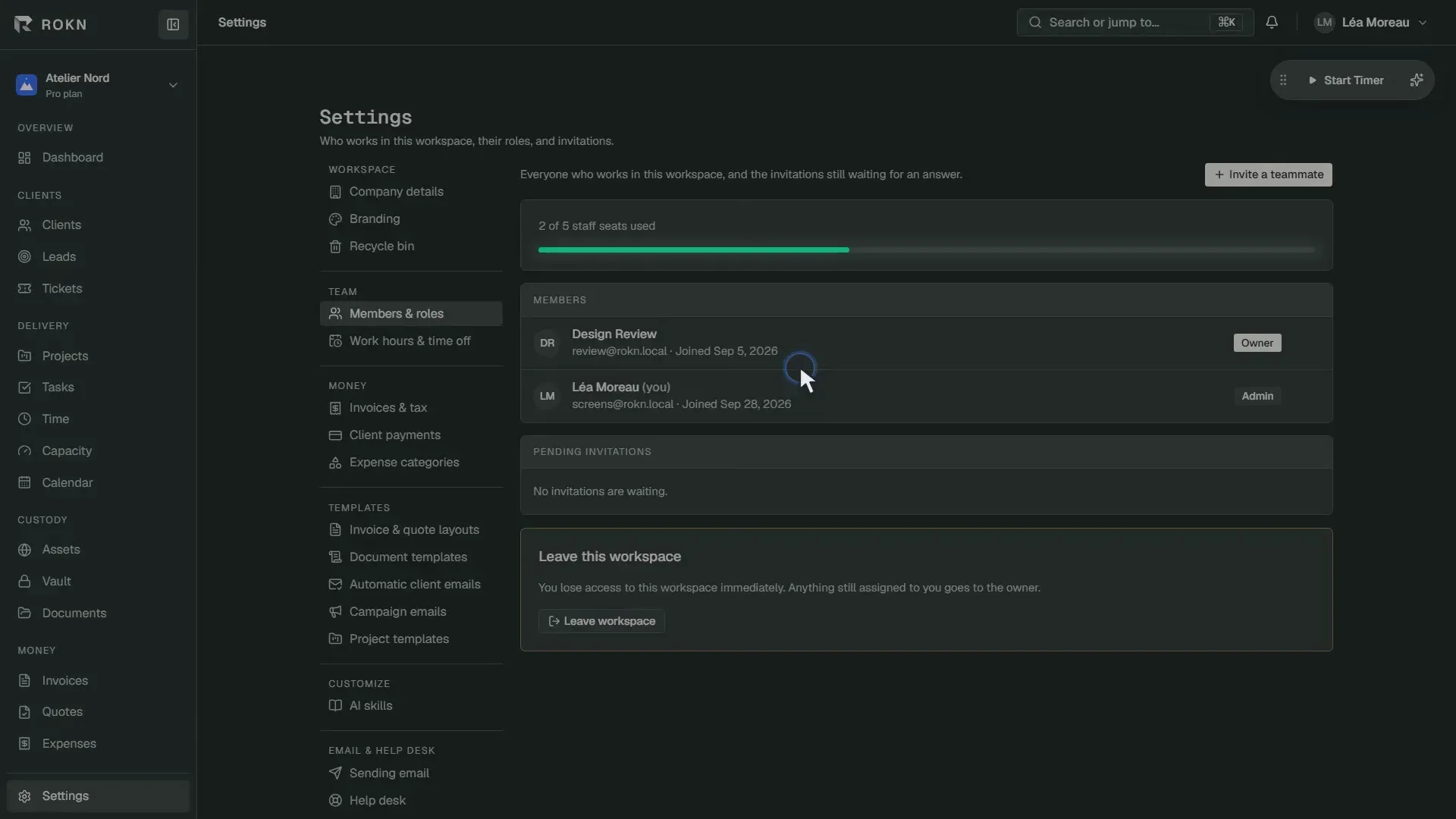
A teammate, an accountant and a client do different work. Their access should reflect that.
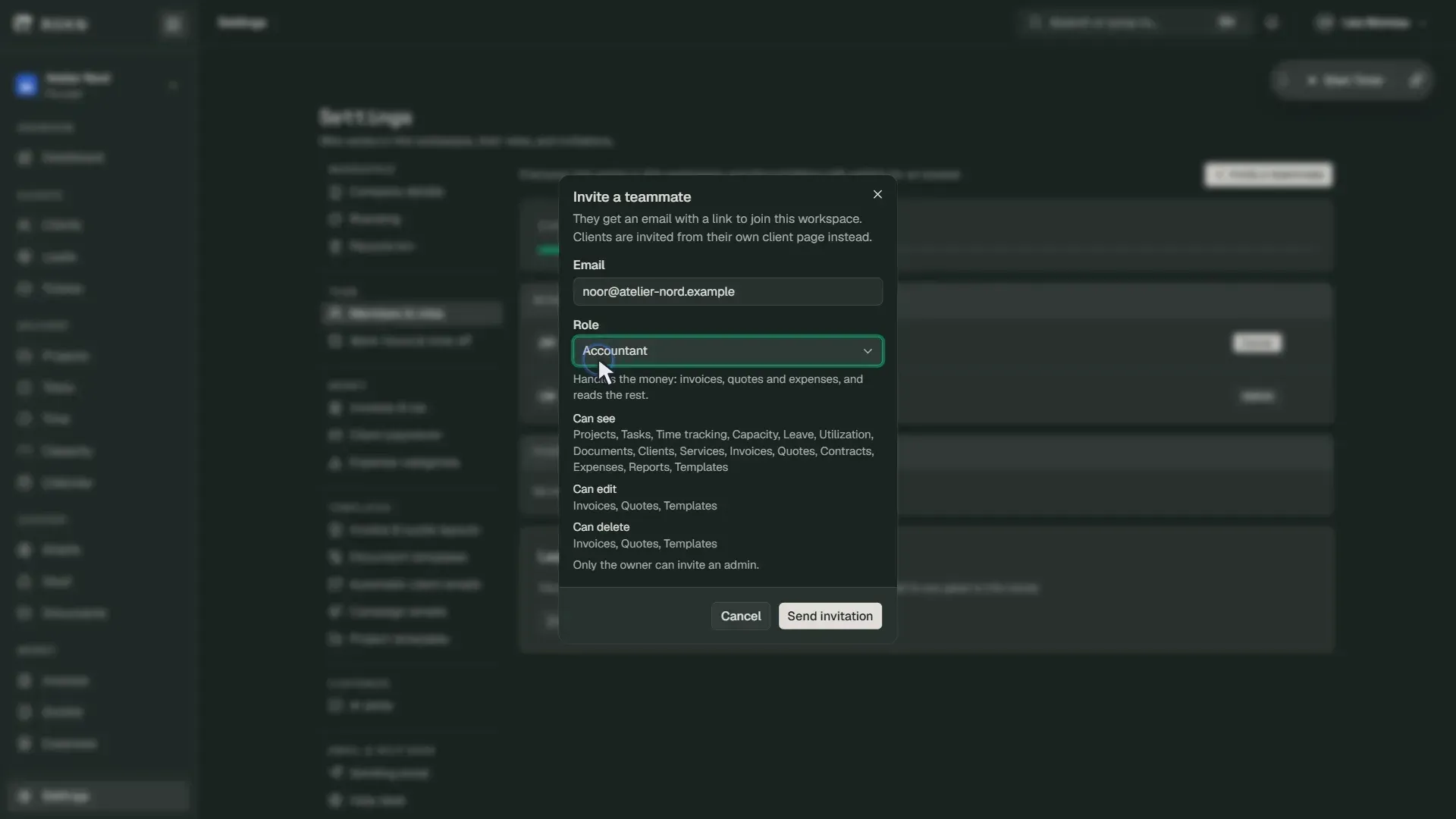
Owner, admin, member, accountant, viewer and client. Give your accountant the money without the credentials vault, and your clients only their portal.
Lower what a role can do in each section: hidden, names only, view, edit or full. Deleting is a permission of its own, and money has its own levels.
Two-factor sign-in, an emailed code when someone signs in from a new browser, and a check that refuses passwords known from data breaches. The audit log shows who did what, including the assistant and API keys, and exports to CSV or PDF.
Use Rokn in English, French, Spanish, Portuguese, German, Arabic, Chinese or Hindi, with Arabic laid out right to left, and set your timezone and business details.
Rokn's records are the foundation for the tools you already use.
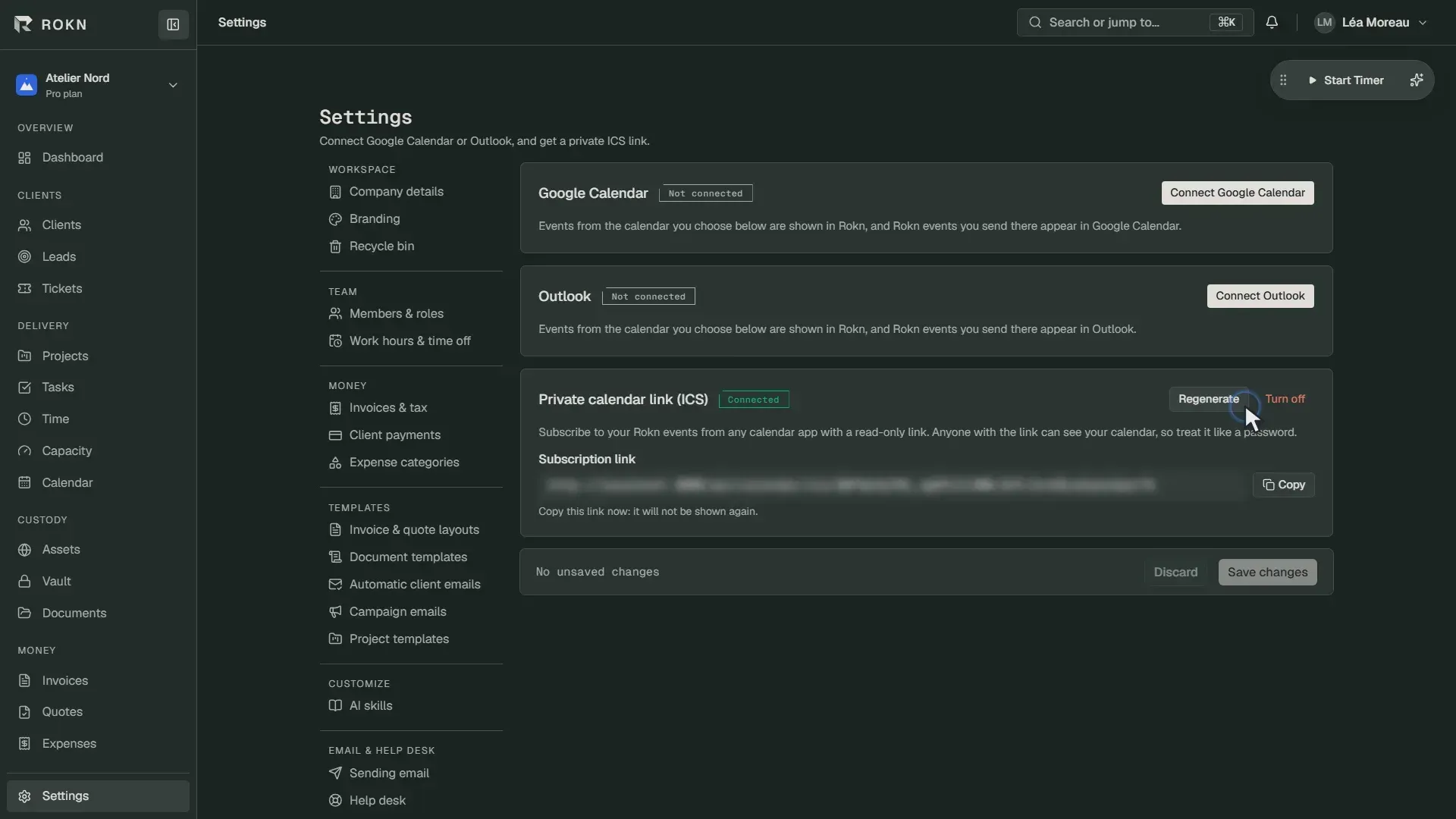
Attach GitHub repositories to projects with two-way issue sync, and connect Google Calendar or Microsoft 365 for two-way calendar sync. Calendar sync is on Pro and Business.
Build on your workspace with scoped API keys and OAuth apps, connect AI agents through the MCP server, and send events out with signed webhooks. Access follows the permissions you grant.
Send invoices, quotes and every client email from your own address or domain, through Resend or your own SMTP server.
Configure the business, and always keep a route to your own data.
Choose, event by event, how you hear about overdue invoices, renewals, used-up retainers and storage limits: in the app, by email or in a digest.
Export everything, records, files and generated PDFs, whenever you want. Transfer ownership, or close the workspace with 30 days to change your mind.
Configure business details, branding, invoice numbering, payment connections and team invitations in the same workspace.
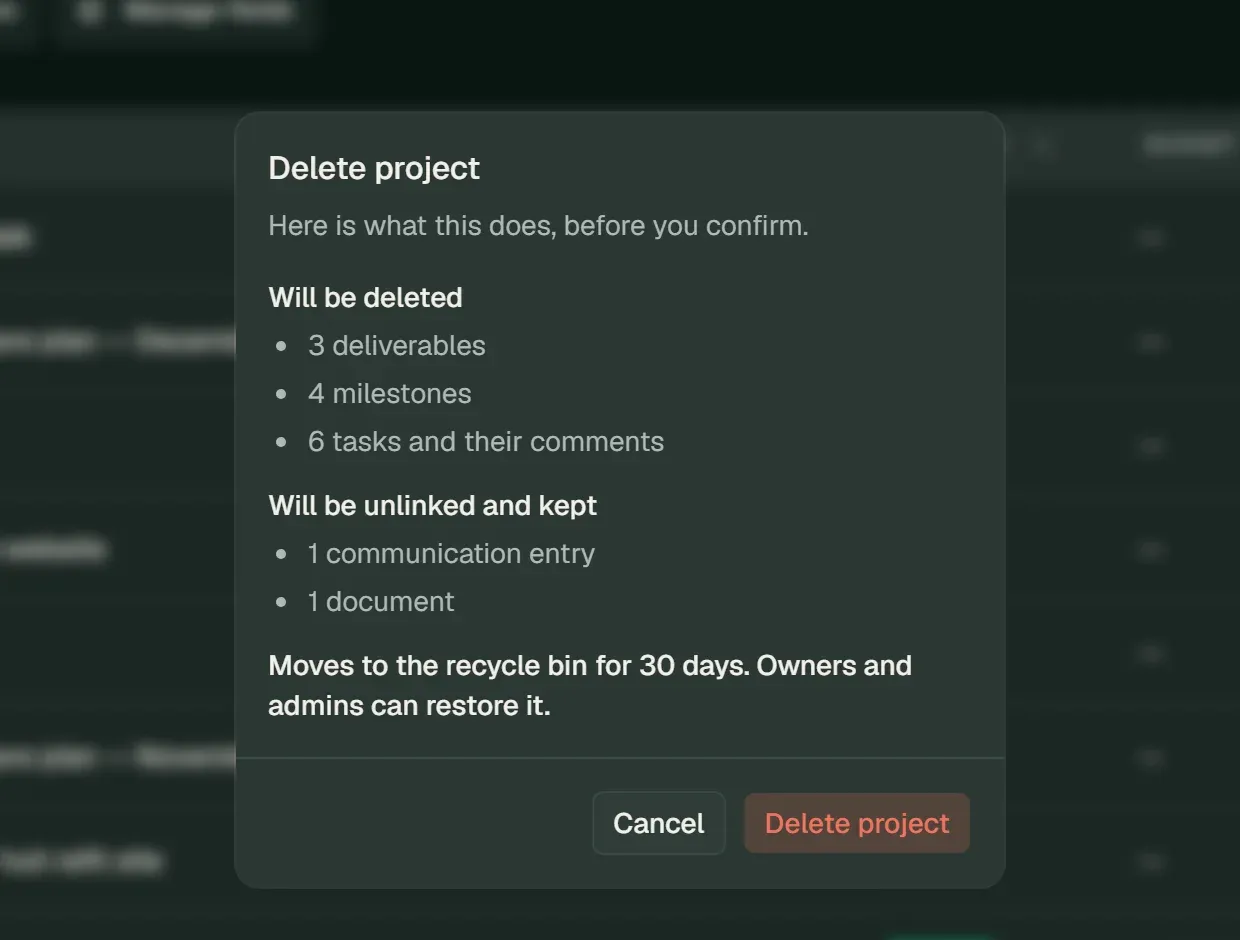
Deleted clients, projects, tasks, documents and other records stay in the recycle bin for 30 days. Owners and admins can restore them, together with everything that was deleted alongside.
Run a studio and a side business as separate workspaces, each with its own clients, team and settings, and switch between them without signing out.
Start the day on a dashboard with revenue against last month, what is outstanding, hours against target and what expires soon. Press Ctrl+K to jump to any record or page.
A teammate invited with a role, and a role’s access lowered section by section.
Yes. The Accountant role covers finance, and the vault stays closed to it. You can lower any role further in Roles & access.
Yes. Create several workspaces under one login and switch between them. Each has its own clients, team and settings.
Each workspace's data is isolated in the database with row-level security, so one workspace's queries cannot read another workspace's records.
Yes. Owners can export the whole workspace, with records, files and PDFs, at any time.
The vault opens only for the roles you allow, and records every reveal.
See the client password vaultAdd your first teammate or your accountant, then adjust what their role can see.