

Your services and rates
Build your price list of services, set hourly or fixed rates, give a client their own rate, and see which rate a time entry gets.
Services is your price list: everything you sell, priced by the hour or at a fixed price. Rates can also be set for a client, and Rokn picks the most specific one for each time entry.
Open your services
Open Services. For each service, the catalogue shows its price, how often you have used it, and how much it has billed.
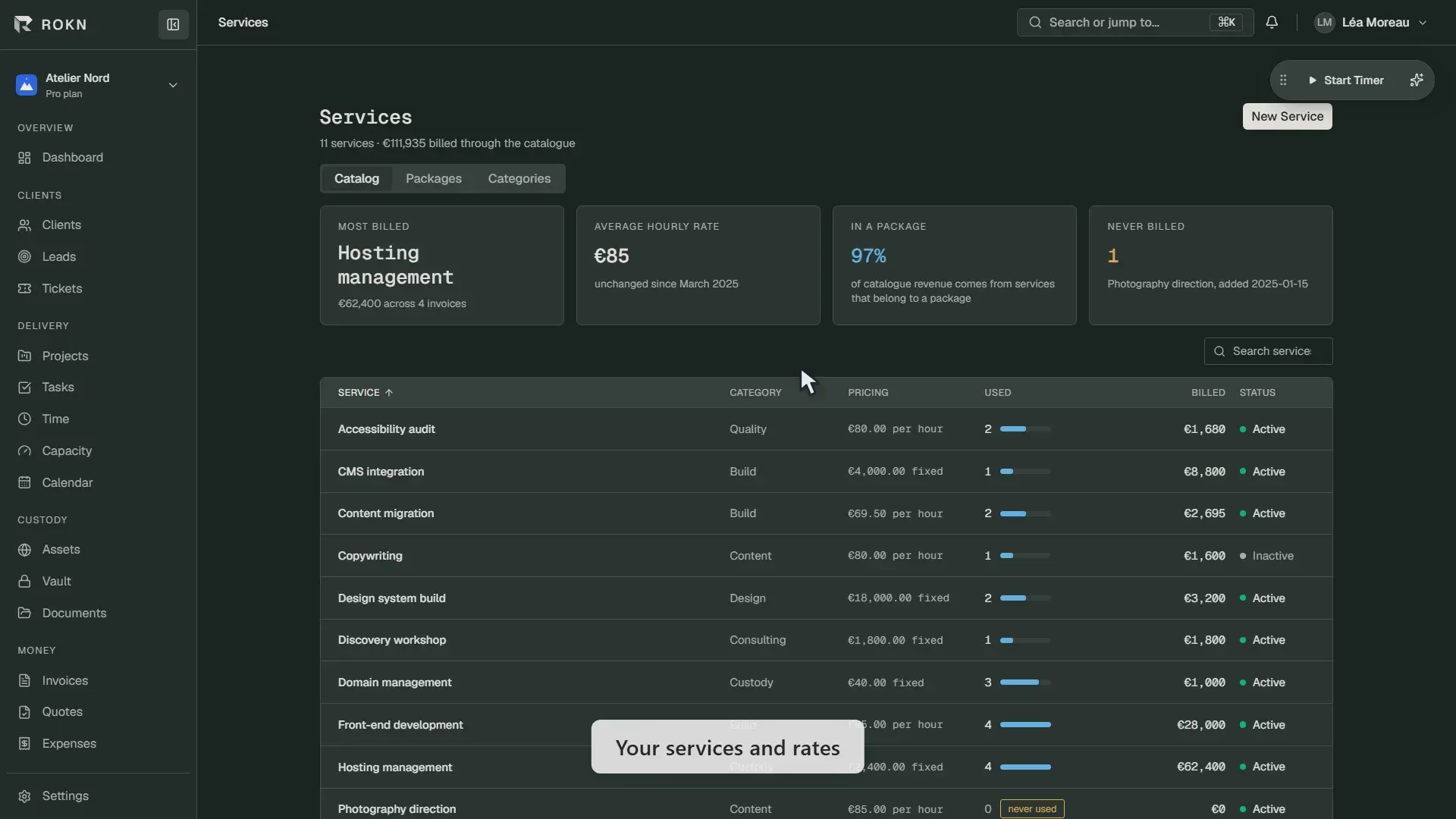
Add a service
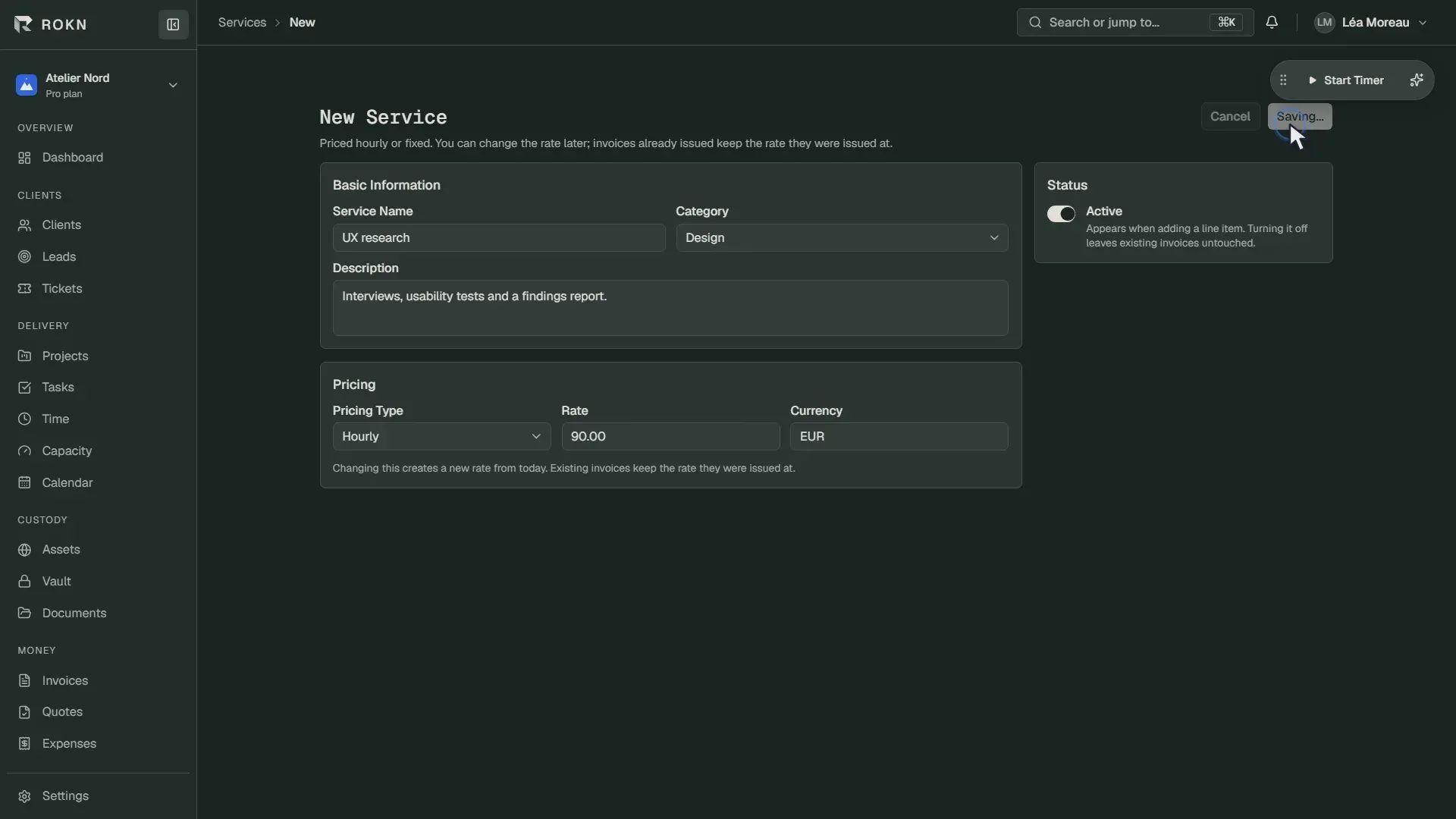
Click New Service. Give it a Service Name, a Category and a short description.
Choose hourly or fixed under Pricing Type, then set the Rate.
Save, and change rates safely
Click Save. If you change a rate later, the new one applies from that day, and invoices you have already issued keep theirs.
Give a client their own rate
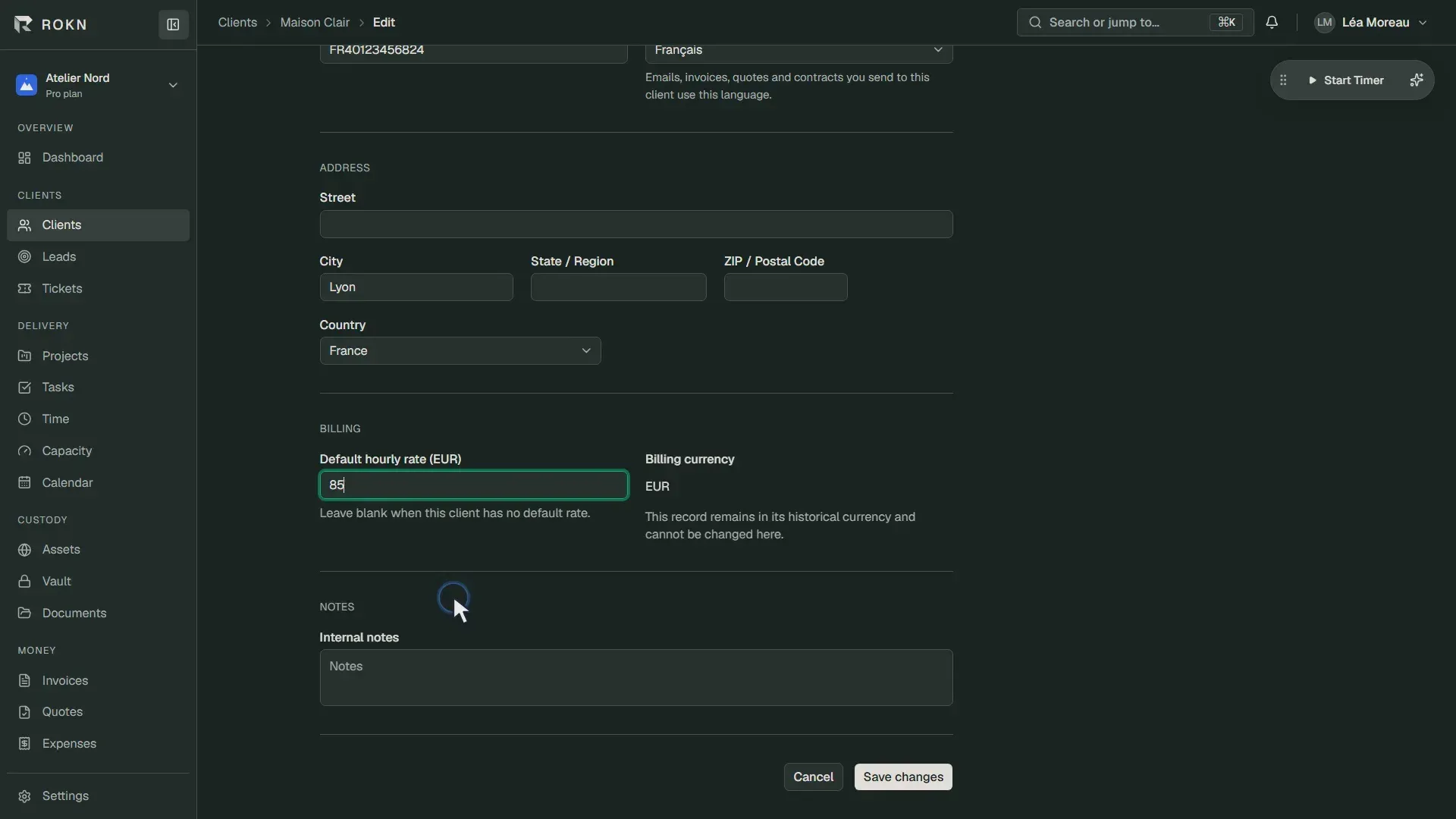
A client can also have its own hourly rate, for a price you have agreed with them. Open the client, edit it, and set the Default hourly rate.
Then save the client.
See which rate a time entry gets
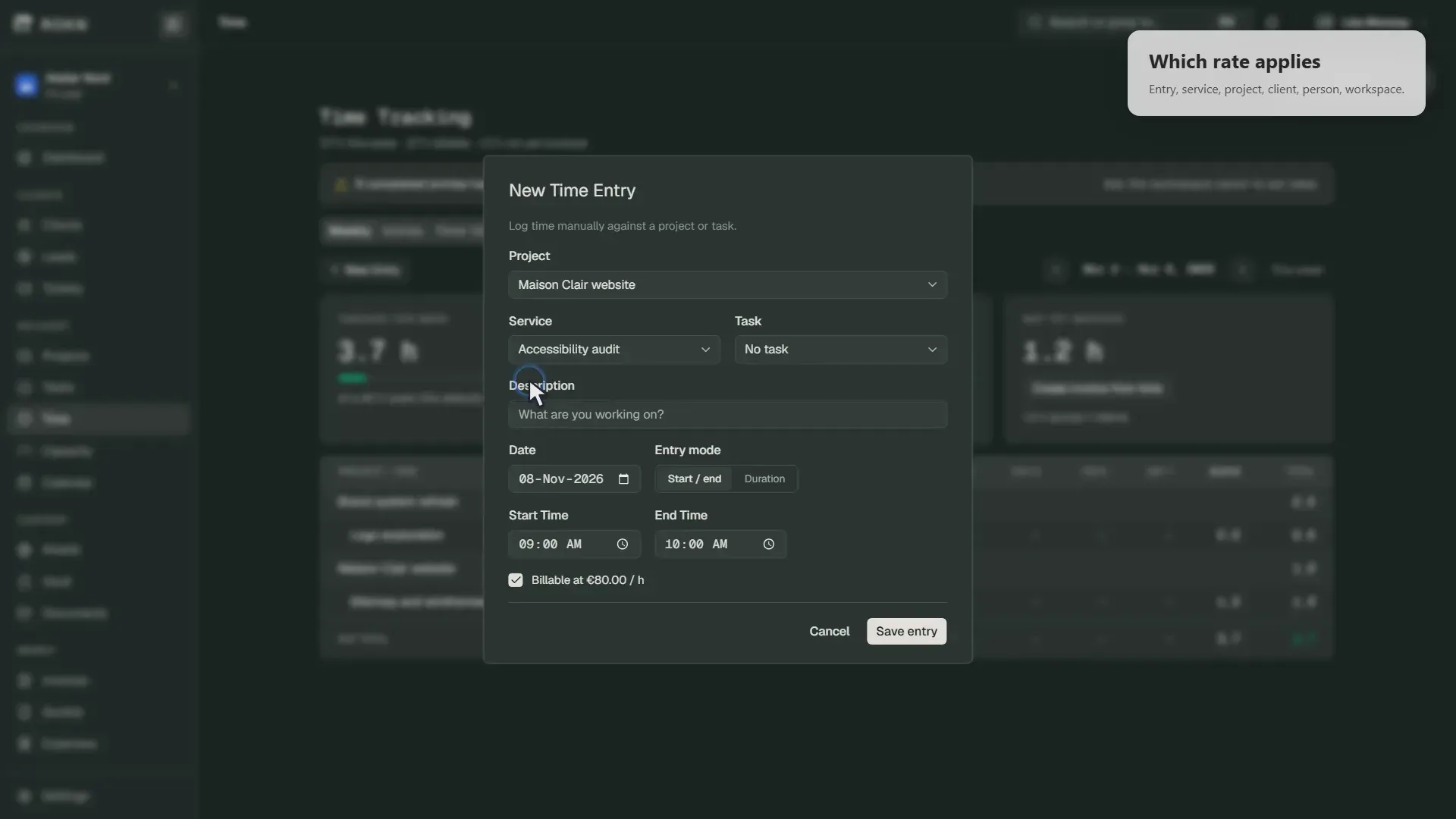
Log time on Maison Clair's website project, and it bills at 95 euros: the project's own rate, which outranks the client's.
Tag it with a service, here the accessibility audit, and the service's 80 euros takes over.
How Rokn chooses a rate
Rokn always uses the most specific rate it has, in this order:
a rate typed on the entry, then the service, the project, the client, the person who did the work, and last, the workspace default. Each person's own rate is set by the workspace owner.
Good to know
- A service you no longer sell can be switched off with its Active setting, so it stops appearing when you add a line to an invoice.
November 10, 2026
Suggest an improvement