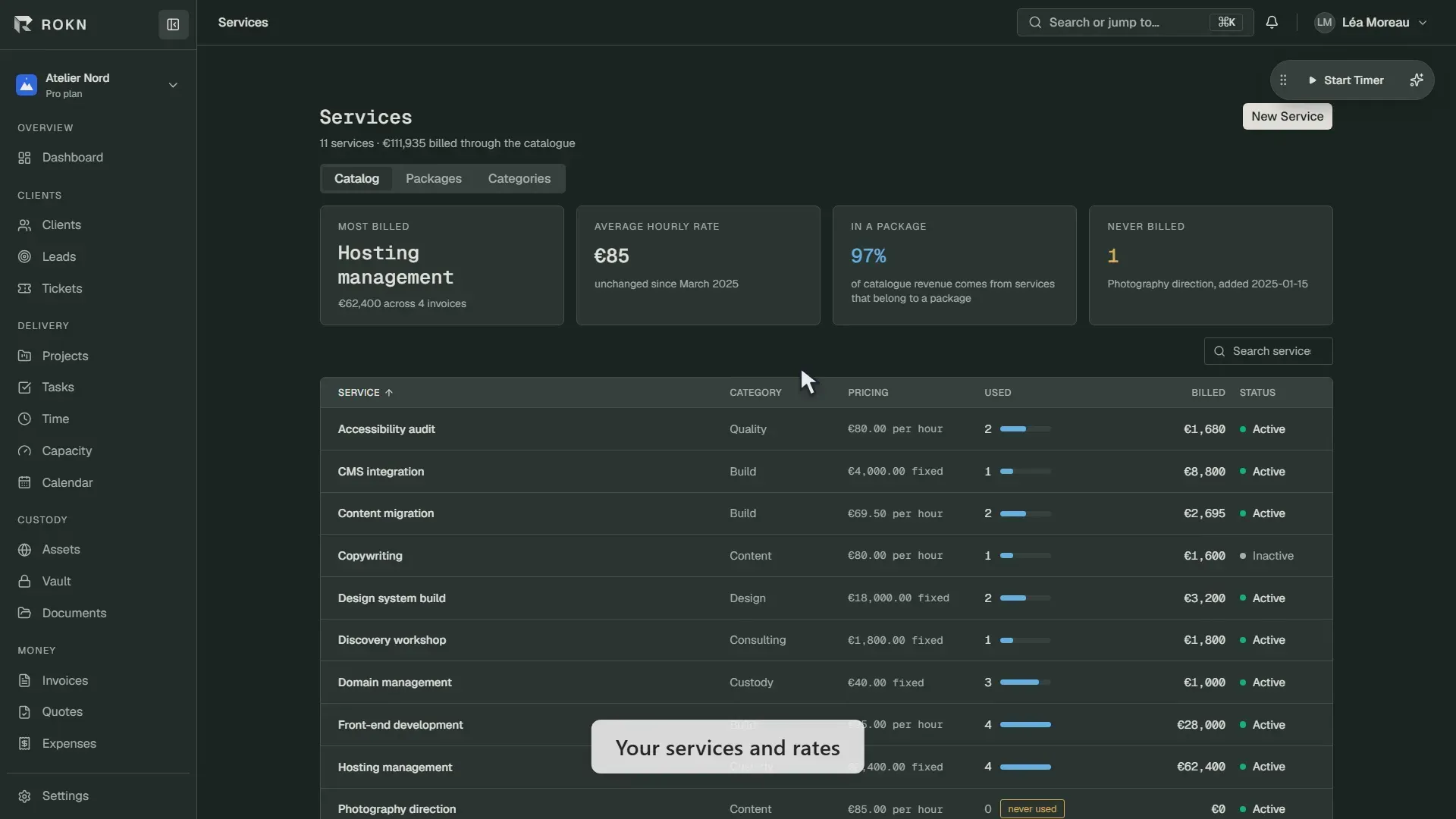
Timer on every pagePro and Business
Start and stop the timer from the corner of any page, or with Ctrl+Shift+S. It runs on the server, so closing the tab doesn't lose the time.


Know where the hours go. Start a timer from any page, keep billable and non-billable time apart, and turn tracked hours into an invoice without retyping them.
Start free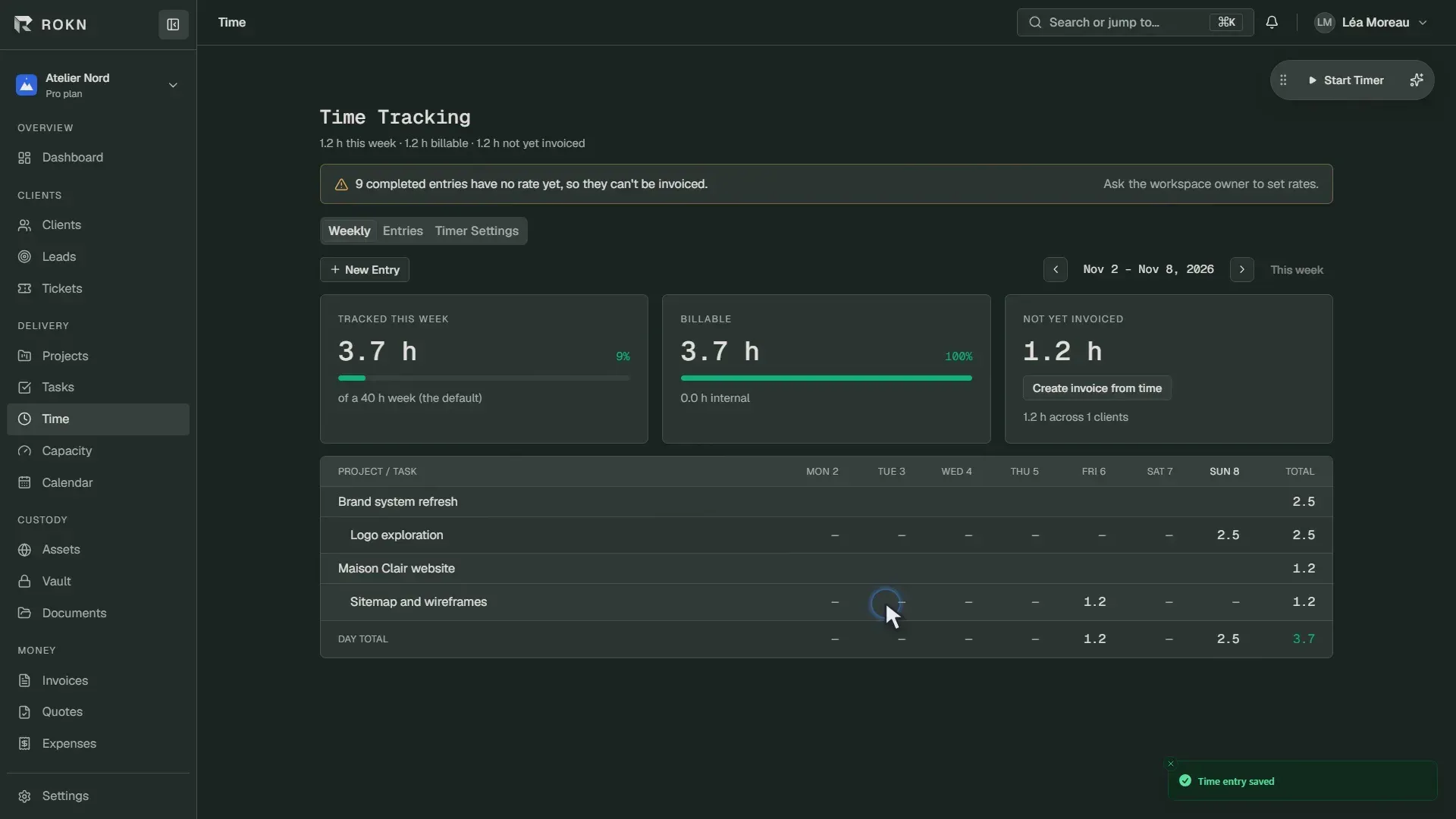
Track the hours as you work, from wherever you are in Rokn.
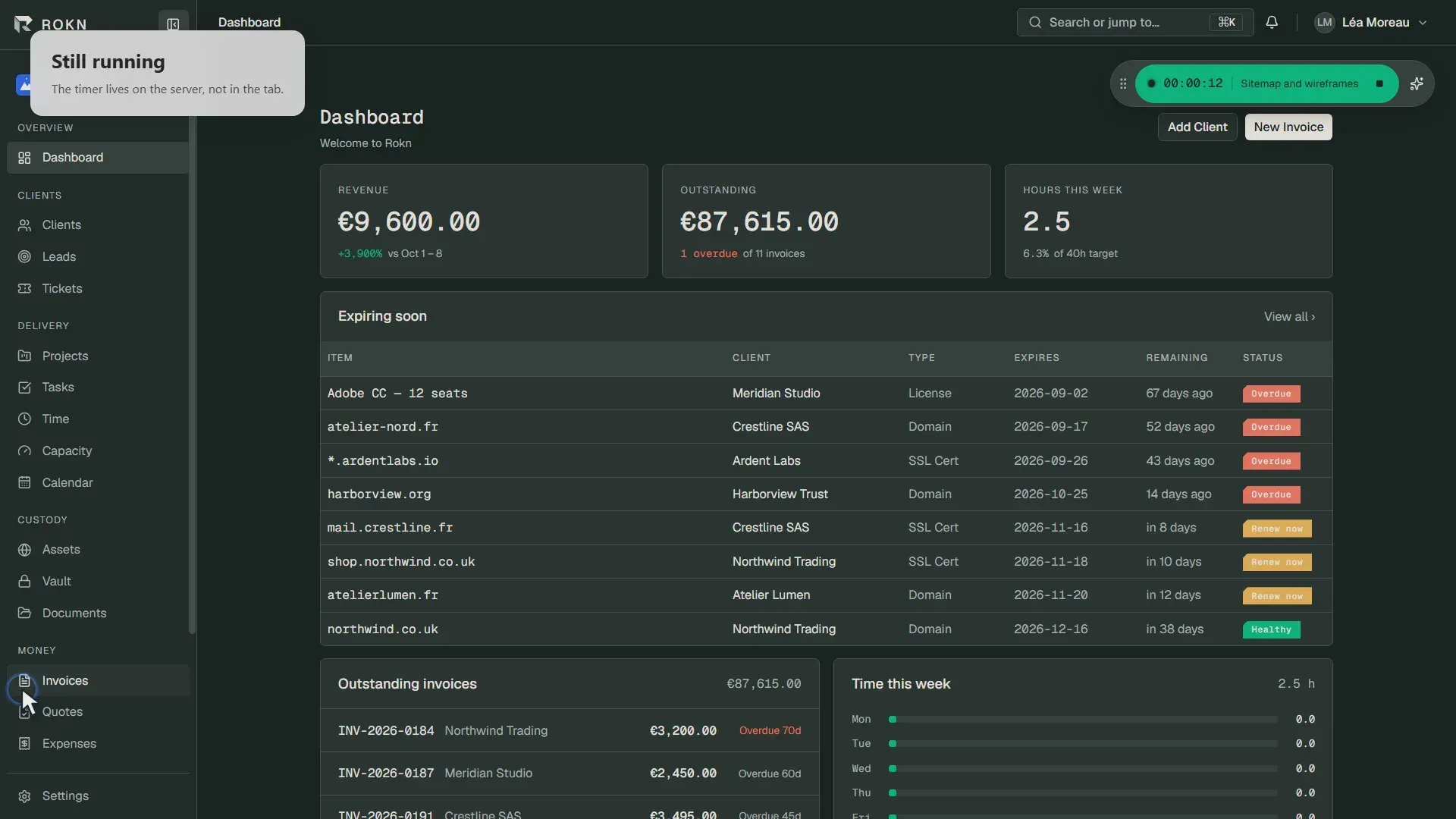
Start and stop the timer from the corner of any page, or with Ctrl+Shift+S. It runs on the server, so closing the tab doesn't lose the time.
If your computer sat idle while the timer ran, Rokn asks whether to keep that time or end the entry where you stopped.
Add time after the fact, mark it billable or non-billable, and review your week project by project.
Rates come from the service, the person or the project, and Rokn shows what will be billed before it is.
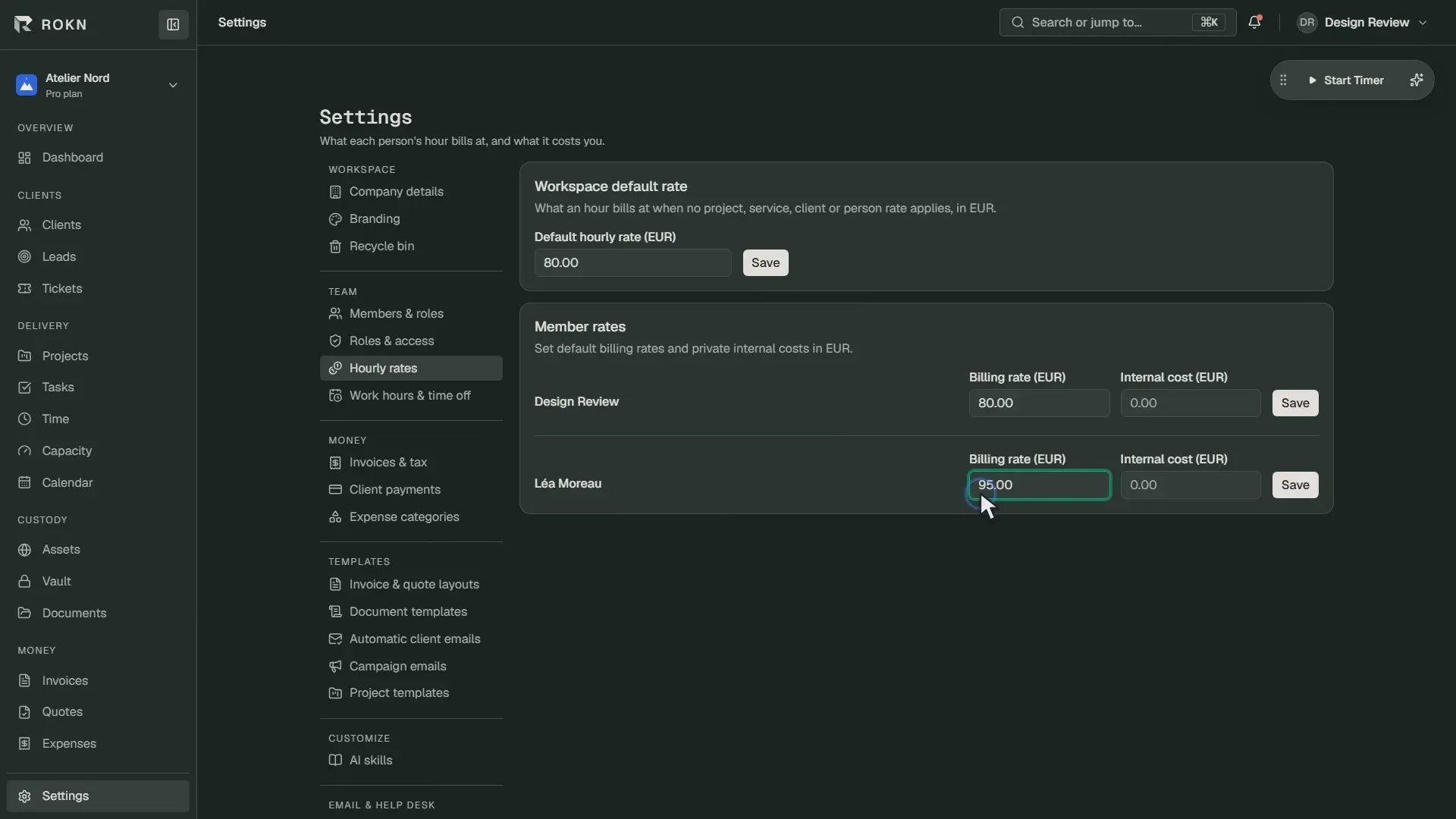
Set hourly rates on your services and team members. A member can also have a private cost rate that clients never see, so profit is measured on real costs.
Round timer entries to the increment you bill in. Tracked and billed time are shown side by side, so the rounding is never hidden. Manual entries are never rounded.
The step most freelancers still do by hand, from a timer app into an invoice.
Time entries
Σ2.5 h
Logo exploration2.5 h × €95/h€237.50
Total€237.50
Pull billable entries into an invoice, grouped by project, by task or entry by entry. Billed entries are marked, so the same hour is never billed twice.
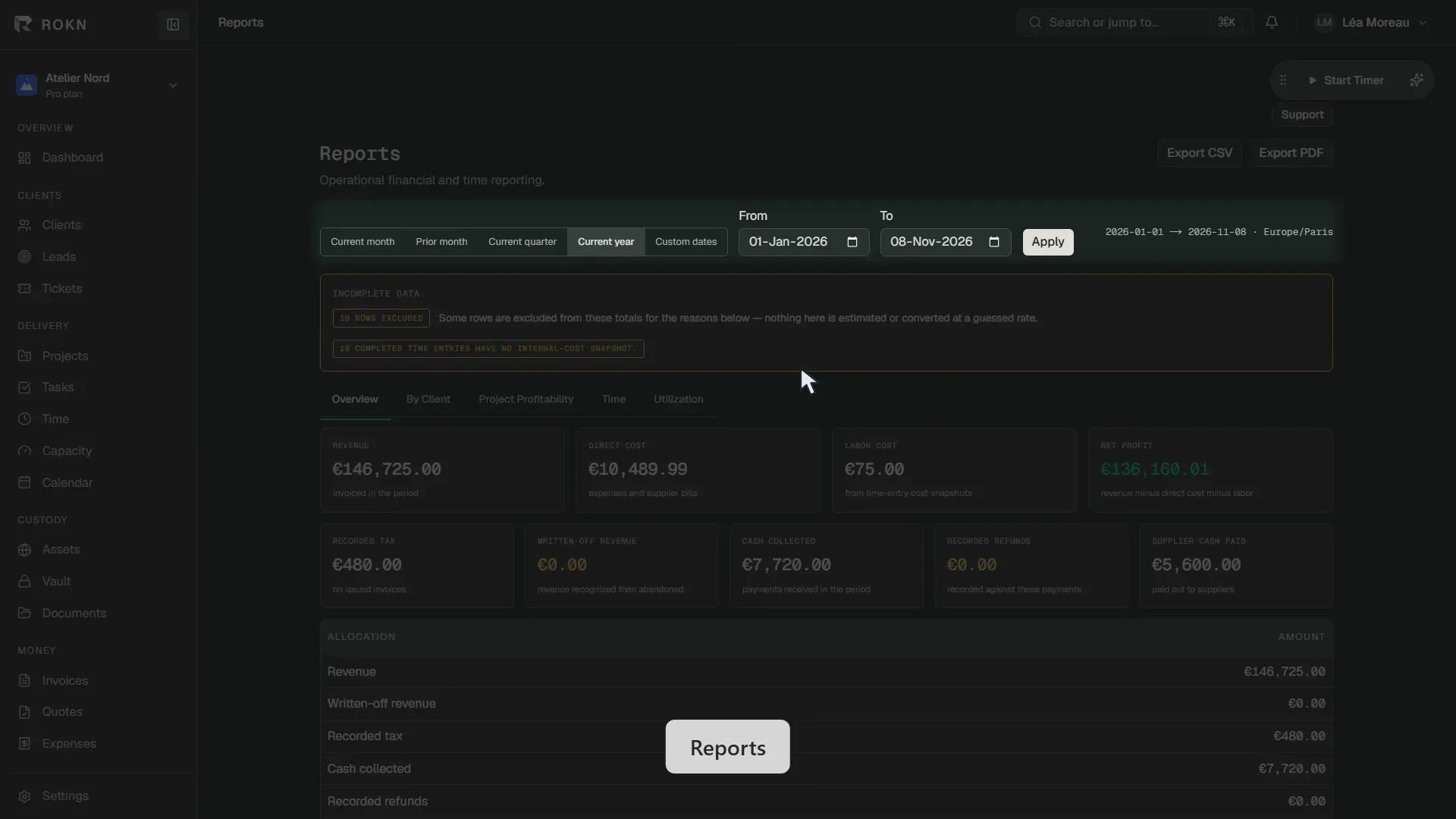
Compare what a project brought in with its expenses and the cost of the time spent, and see which clients really make you money.
Log time against a task, then pull it into an invoice.
No. Time is logged against the same clients, projects and tasks your invoices use, so there is no export or copy step between two tools.
Only if you set a rounding rule, and only for timer entries. Manual entries are kept exactly as you type them, and tracked and billed time stay visible side by side.
When your computer has been idle while the timer ran, Rokn asks whether to keep the idle time or end the entry where you stopped.
Yes. Bring the time in grouped by project, by task or as individual entries, then edit the lines like any other invoice line.
Send the invoice with a card payment link, and let Rokn chase it if it's late.
See invoicingTrack your next task with the timer, then build the invoice from the hours you logged.