

Find anything
Use the search box and its jump menu to open any page or record in Rokn, from anywhere, with a few keystrokes.
The search box at the top of every page opens a jump menu. Use it to reach a page or a record in seconds, without clicking through menus.
Open the jump menu
Click the search box at the top, Search or jump to…. It opens a jump menu, from any page.
Jump to a page
Start typing the name of a page. Three letters are enough: press Enter, and you're there.
Use the keyboard shortcut
From anywhere, press Control K to open the jump menu again.
Search your records
The menu searches your records too. Type a client's name, and you get the client, their projects, their invoices and their documents, grouped.
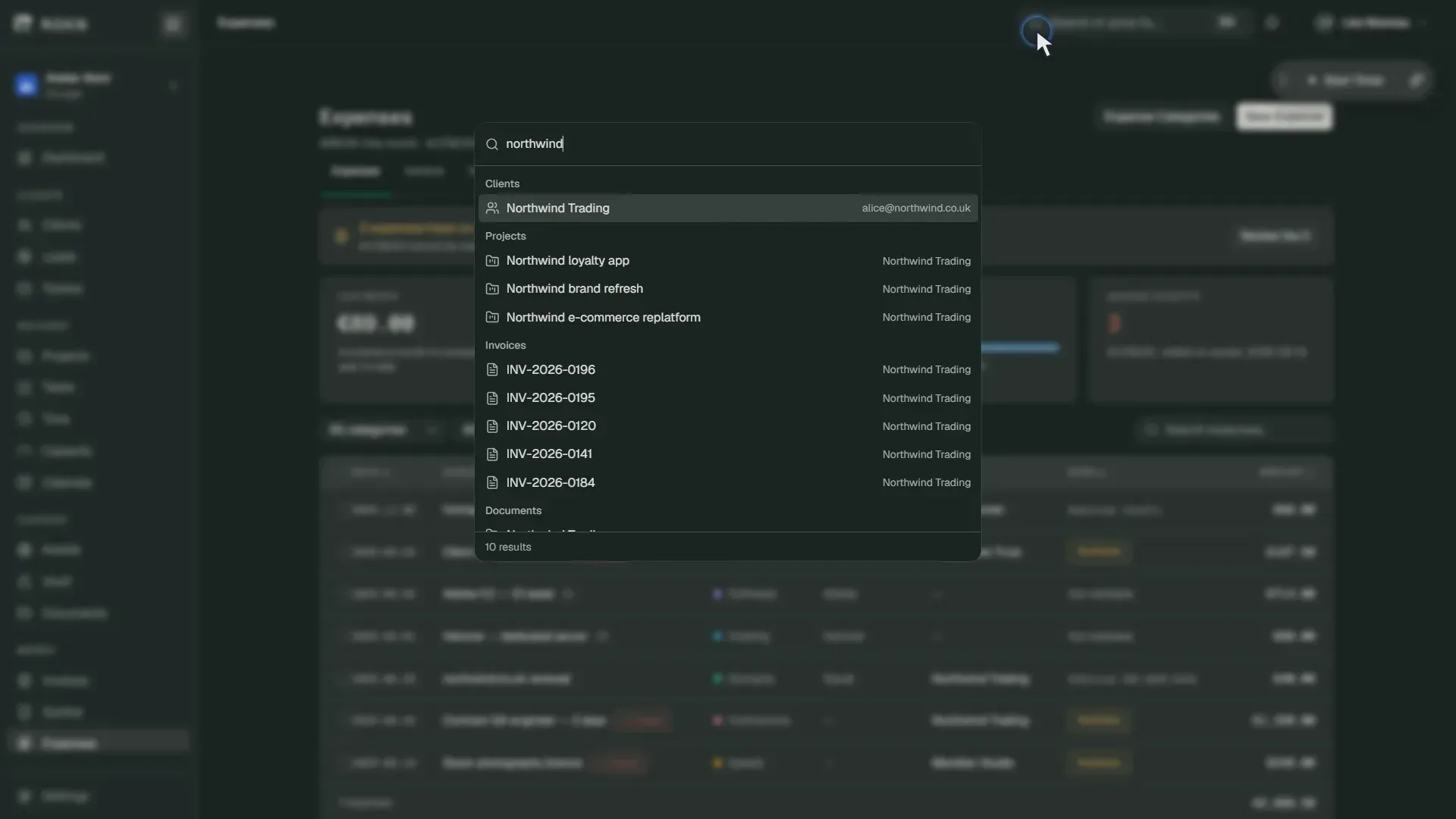
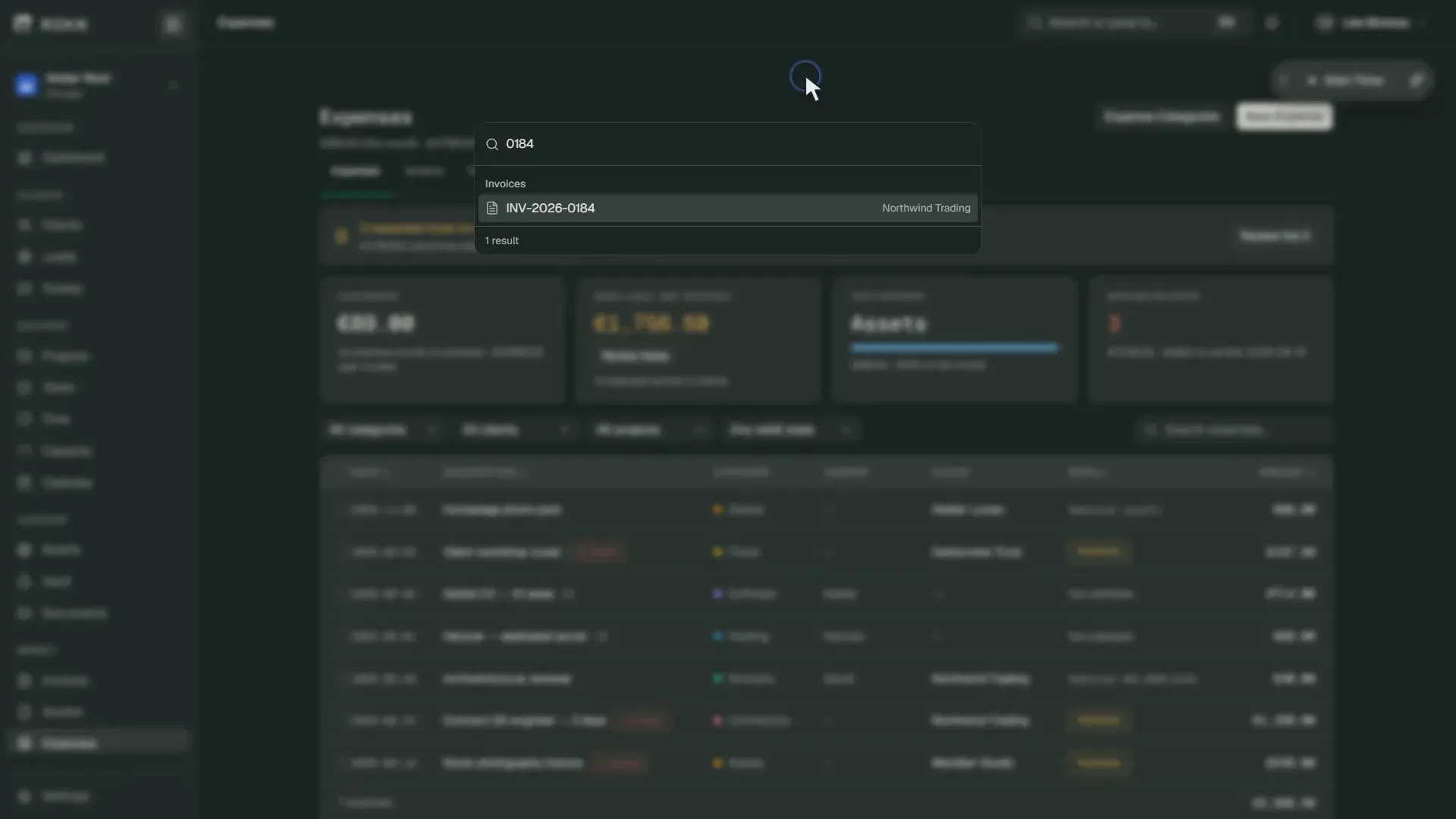
Open an invoice by its number
Or type part of an invoice number, and open it straight away.
Good to know
- Control K works from any page. On a Mac, use Command K.
November 10, 2026
Suggest an improvement