

Packages
Bundle several services into one package with one price, then add it to a quote or an invoice in a single line.
Packages sell several services together at one price. Use one when you often sell the same bundle.
Open the packages and start a new one
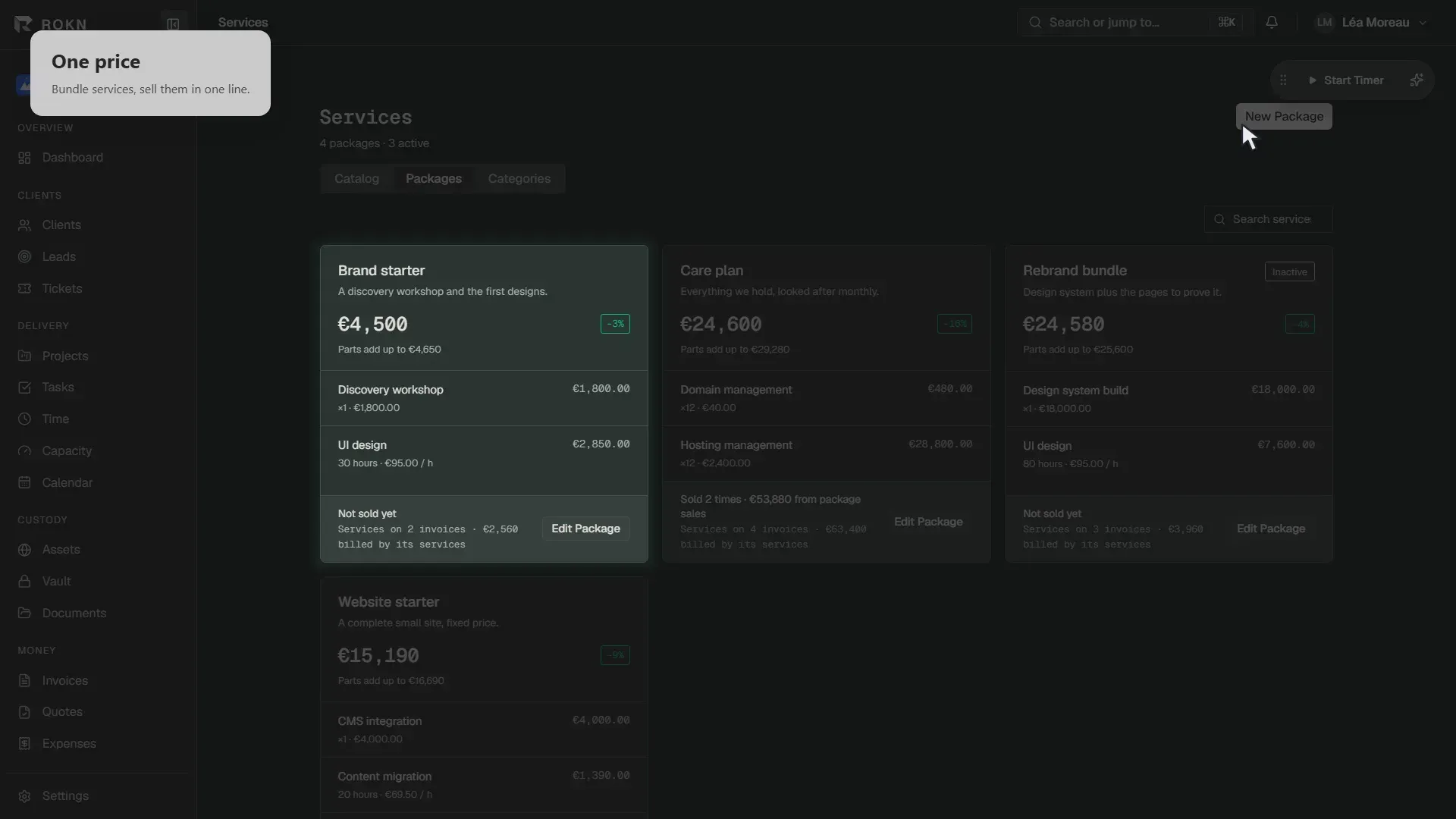
Open Services and go to the Packages tab. Each package shows what it includes, what its parts would add up to, and how often it sold.
Click New Package.
Name it, price it and describe it
Enter the Package Name and the Package Price, for example Brand starter at 4500. Then write a Description for your clients.
Choose the included services
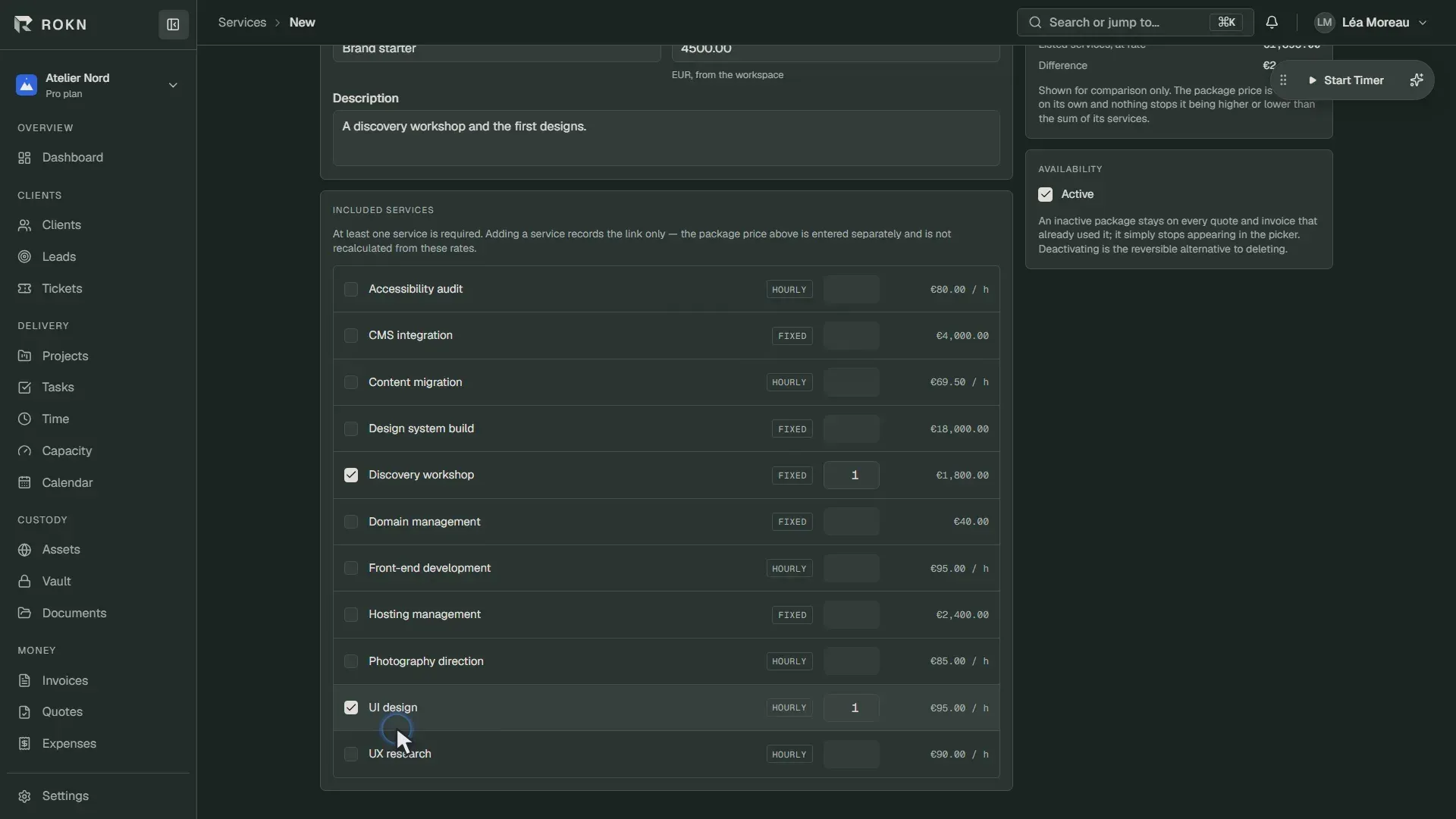
In Included services, tick the services the package includes, and set how much of each. In the video: one Discovery workshop and thirty hours of UI design.
At least one service is required.
Save and use it
Click Save package. The package appears in the list, with its price and the services it includes.
Add it to a quote or an invoice in one line.
Good to know
- The price is the one you set, not the sum of its services. The pricing box on the form compares the two, but nothing forces them to match.
- An inactive package stays on the quotes and invoices that already use it, but no longer appears when you add one.
November 10, 2026
Suggest an improvement