

Connect GitHub
Attach repositories to your projects, follow their issues and pull requests, and turn an issue into a task that stays in sync.
Connect a GitHub account
Owners and admins connect GitHub in Settings → Code hosting, with Connect GitHub. GitHub then asks which personal account or organization to install the Rokn app on, and which repositories it may see. Only the owner of a personal account, or an administrator of the GitHub organization, can connect it. If the organization requires approval, its owner approves the installation on GitHub first, then an administrator connects it with Connect GitHub. A GitHub account can be connected to one Rokn workspace at a time. Code hosting is included in every plan.
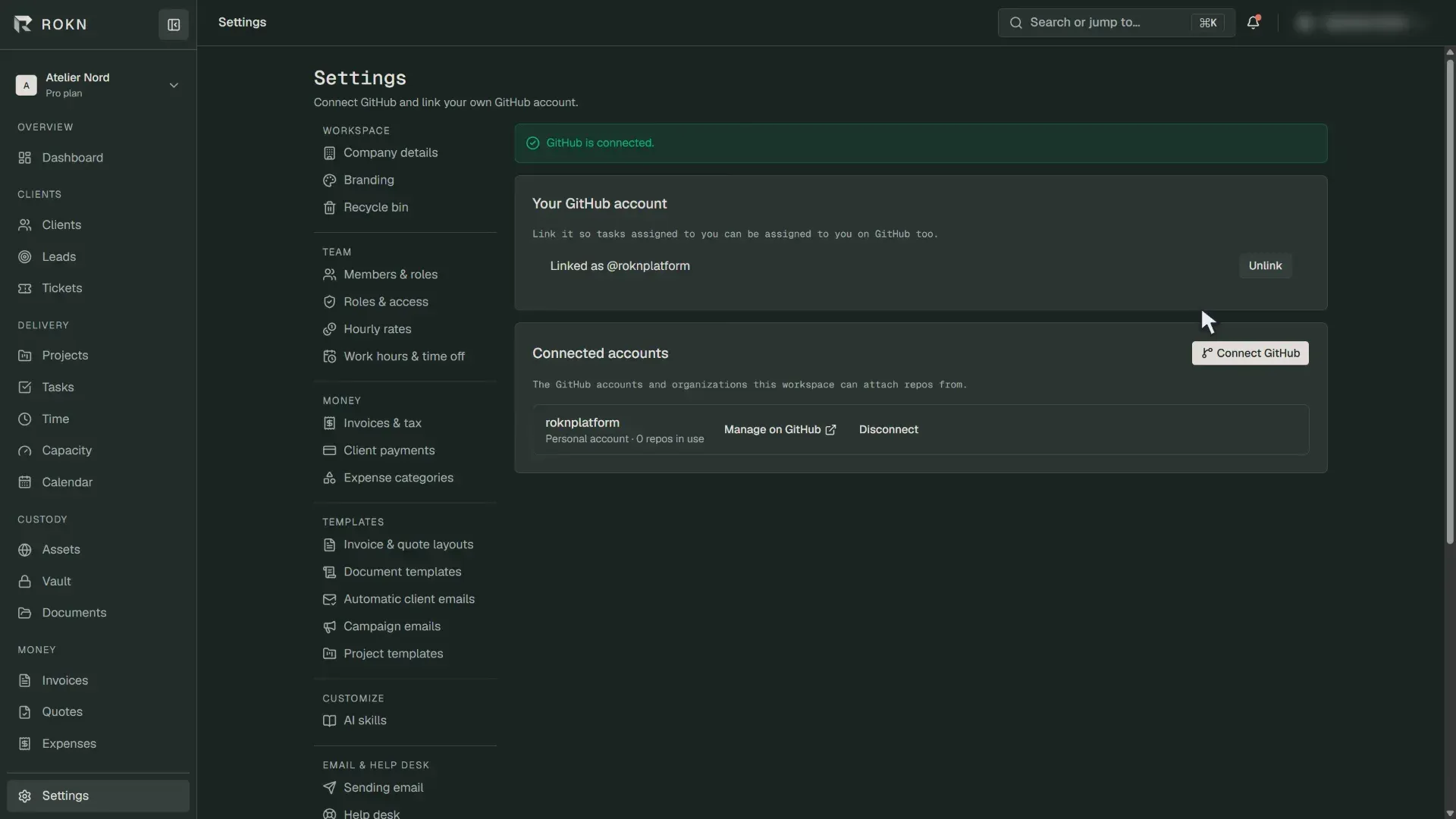
Link your own GitHub account
Each member can link their own GitHub account in Settings → Code hosting, with Link your GitHub account. Once it is linked, a task assigned to you in Rokn is assigned to you on its GitHub issue too.
Attach a repository to a project
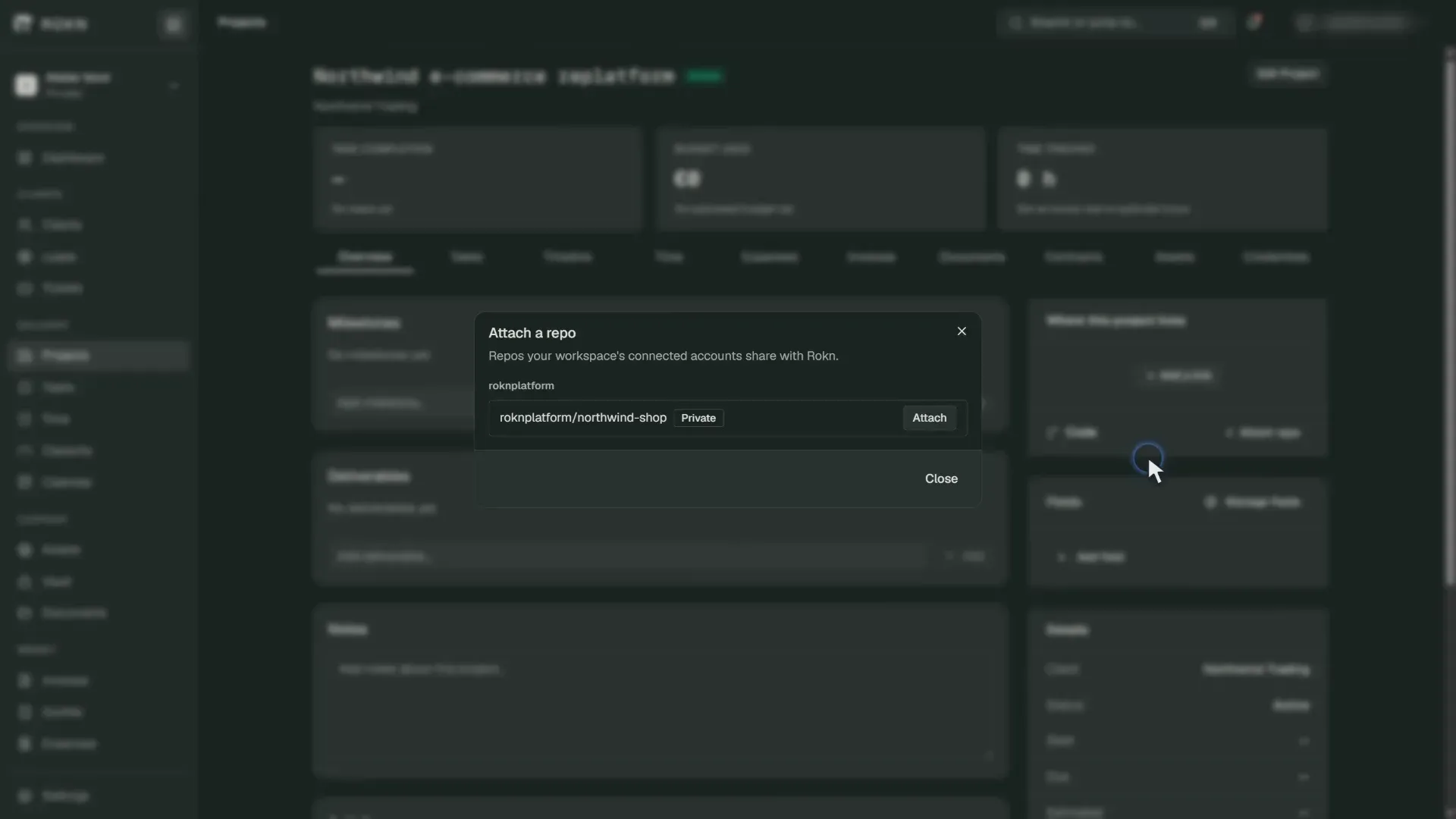
On a project’s Overview, Attach repo in the Code card lists the repositories your connected accounts share with Rokn. An attached repository shows whether its CI is passing, its latest deployment, its open issues and pull requests, and when it was last pushed. Detaching it removes it from the project; nothing changes on GitHub.
Turn an issue into a task
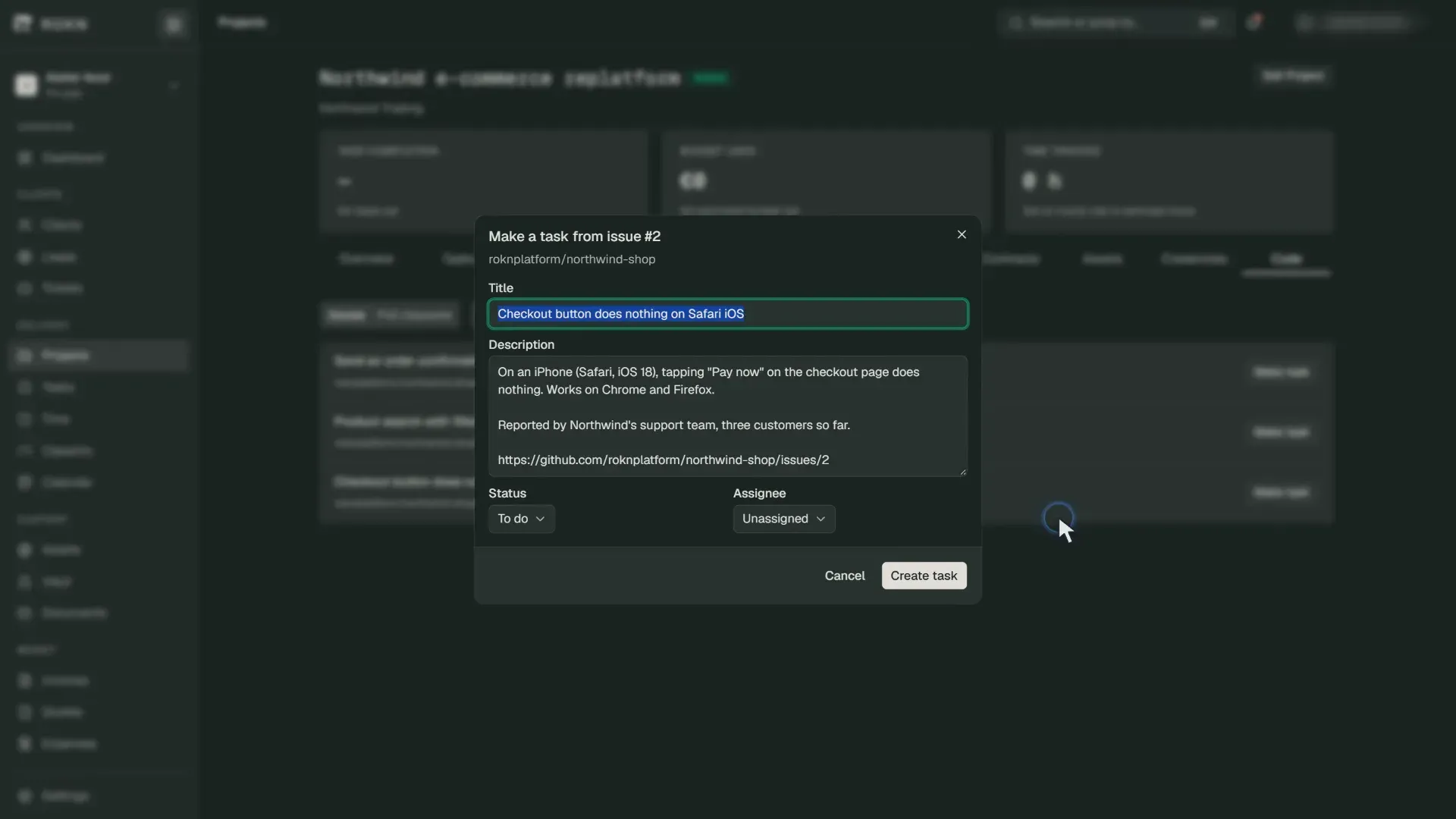
- The project’s Code tab lists the issues and pull requests of its repositories. Make task turns an open issue into a task of the project, linked to the issue.
- From then on Rokn keeps the title, whether it is open or closed, and the assignee in step. Closing the issue completes the task, completing the task closes the issue, and when both sides change the same thing, the later change wins.
- If a change cannot be sent to GitHub, the task says so and offers Retry. Disconnect from issue stops the sync and keeps the task.
When an account is removed or paused
If the Rokn app is uninstalled from a GitHub account, its repositories leave your projects and owners and admins are notified. If it is suspended, syncing pauses until it is unsuspended on GitHub. Disconnect in Settings → Code hosting detaches the account’s repositories from every project; uninstall the app on GitHub as well if you no longer want it there.