

Milestones and deliverables
Track a project's big moments as milestones with due dates, and list the deliverables the client receives, ticking each one off when it is done.
Milestones are the big moments a project is heading for. Deliverables are what the client actually receives. Both live on the project's Overview.
Find the milestones
Every project has milestones. Open the project's Overview to see them, with how many are done.
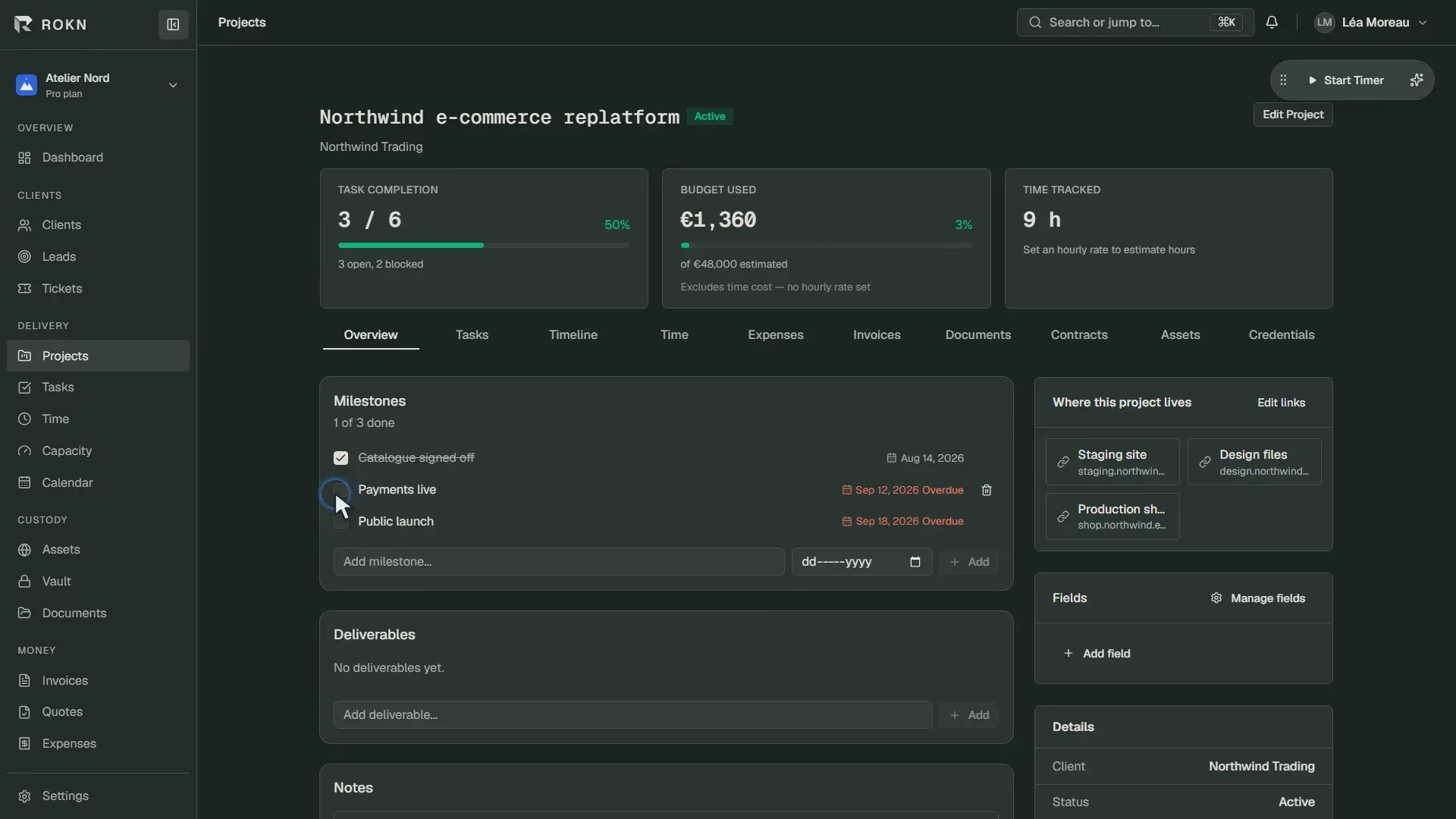
Tick one off
When you reach a milestone, tick it off. Here, payments are live on Northwind's new shop, so the count goes up.
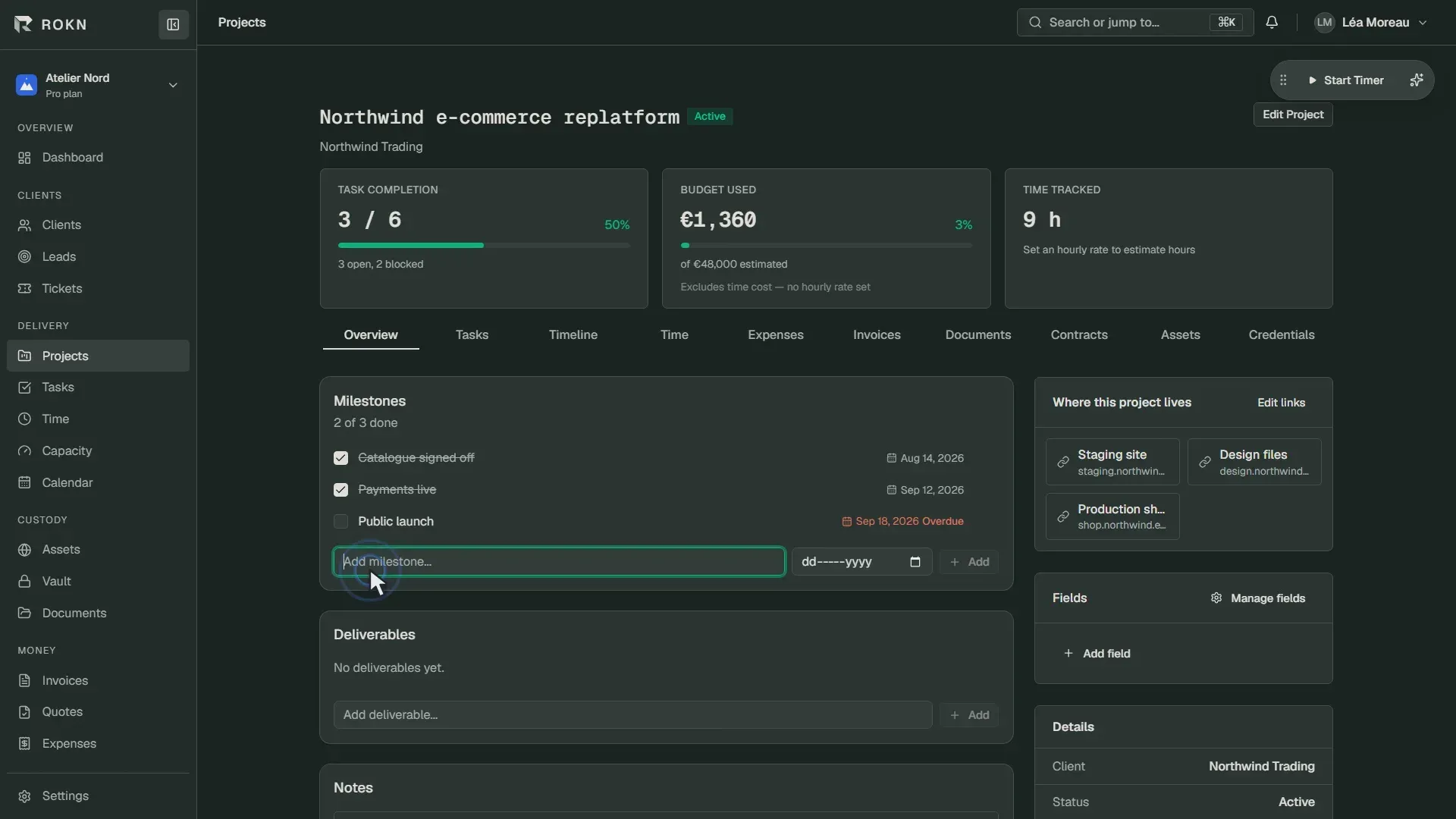
Add the next milestone
Type the next milestone in the field below the list, pick its due date and click Add.
A milestone that passes its date undone is marked overdue.
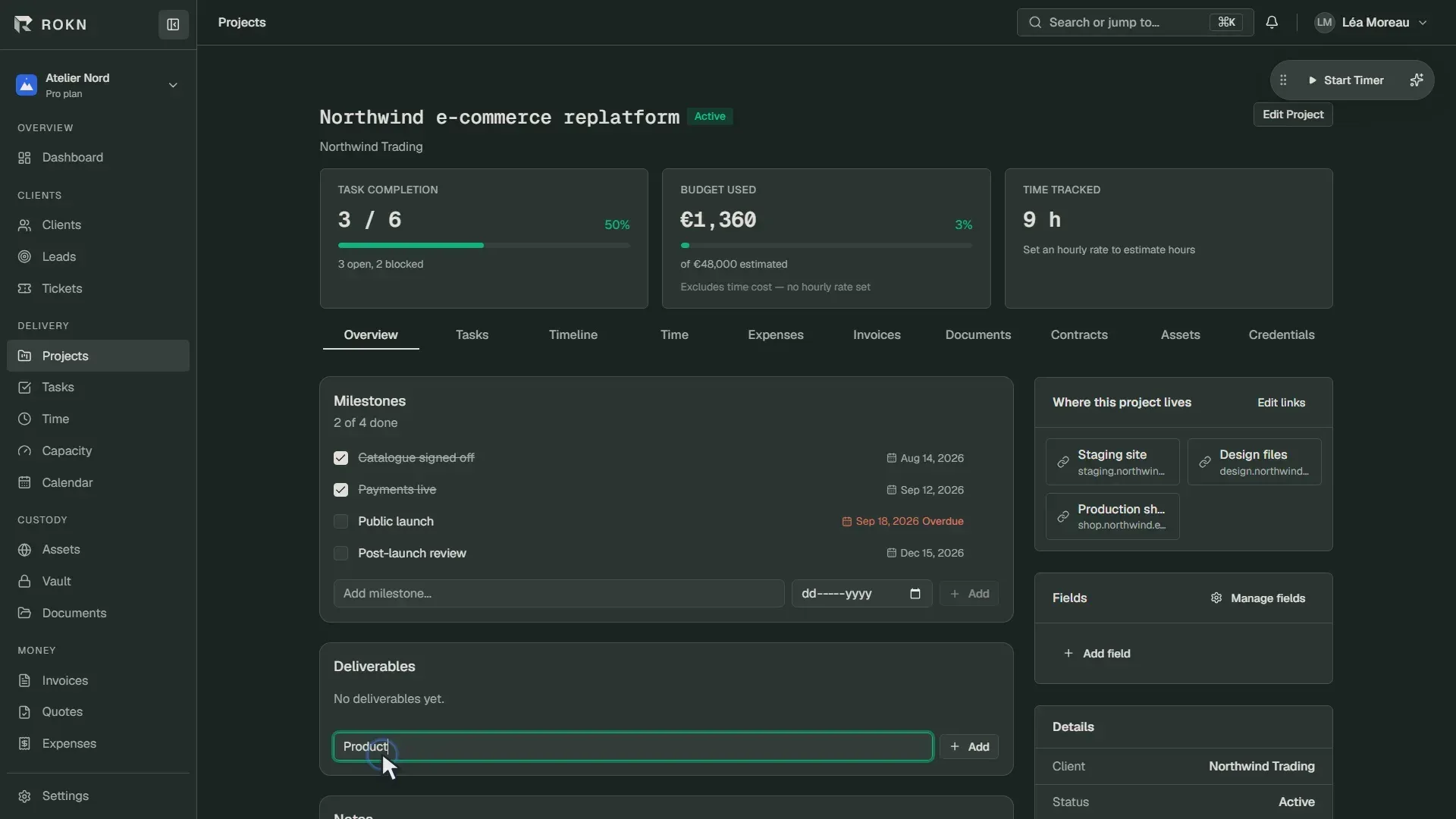
List the deliverables
Deliverables are what the client receives. Type each one in the Deliverables field and click Add, as the project goes.
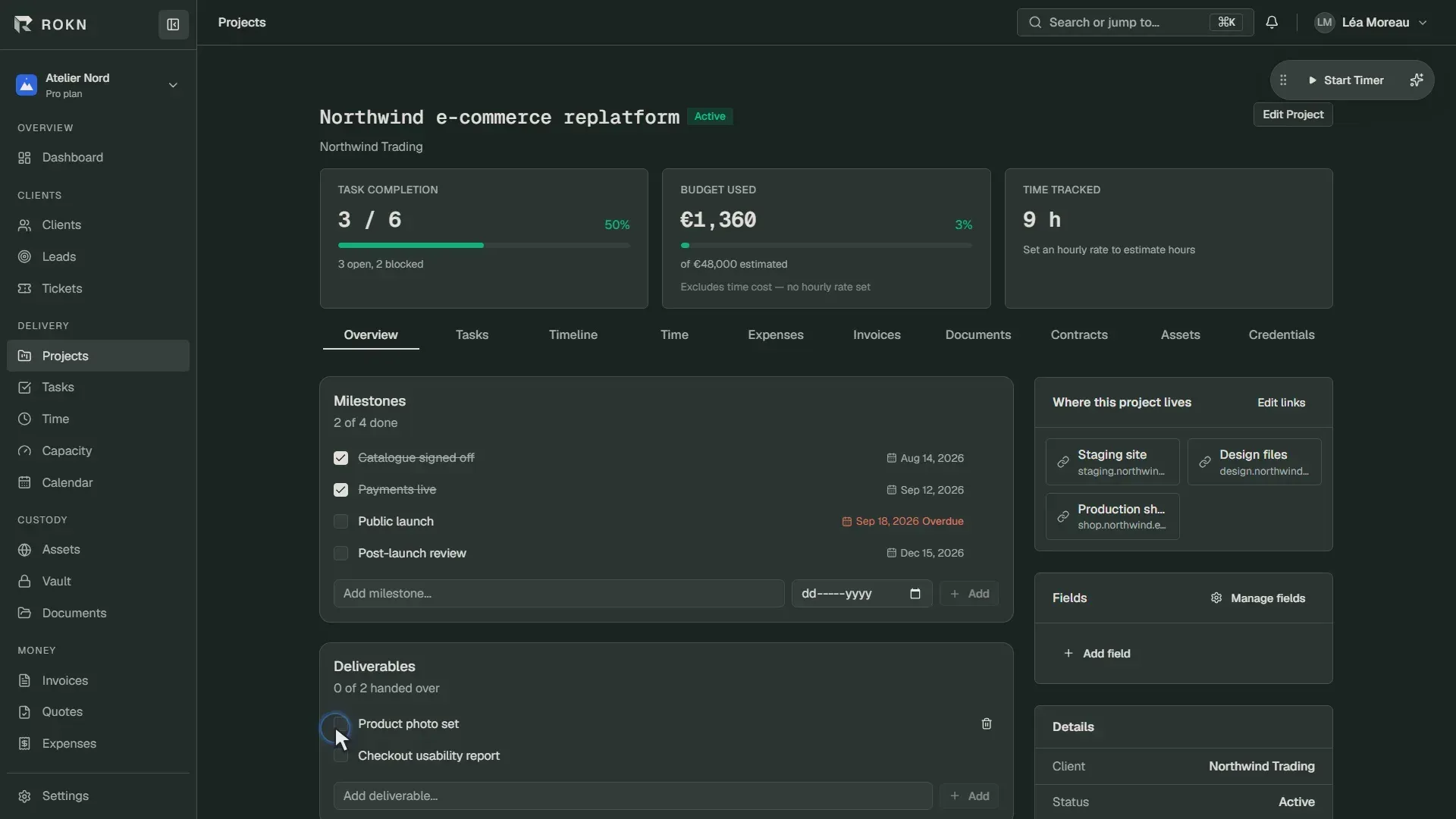
Tick off what you hand over
Once a deliverable is handed over, tick it off. The Deliverables heading shows how many have been handed over.
Good to know
- Overdue milestones are marked in red on the list.
November 10, 2026
Suggest an improvement