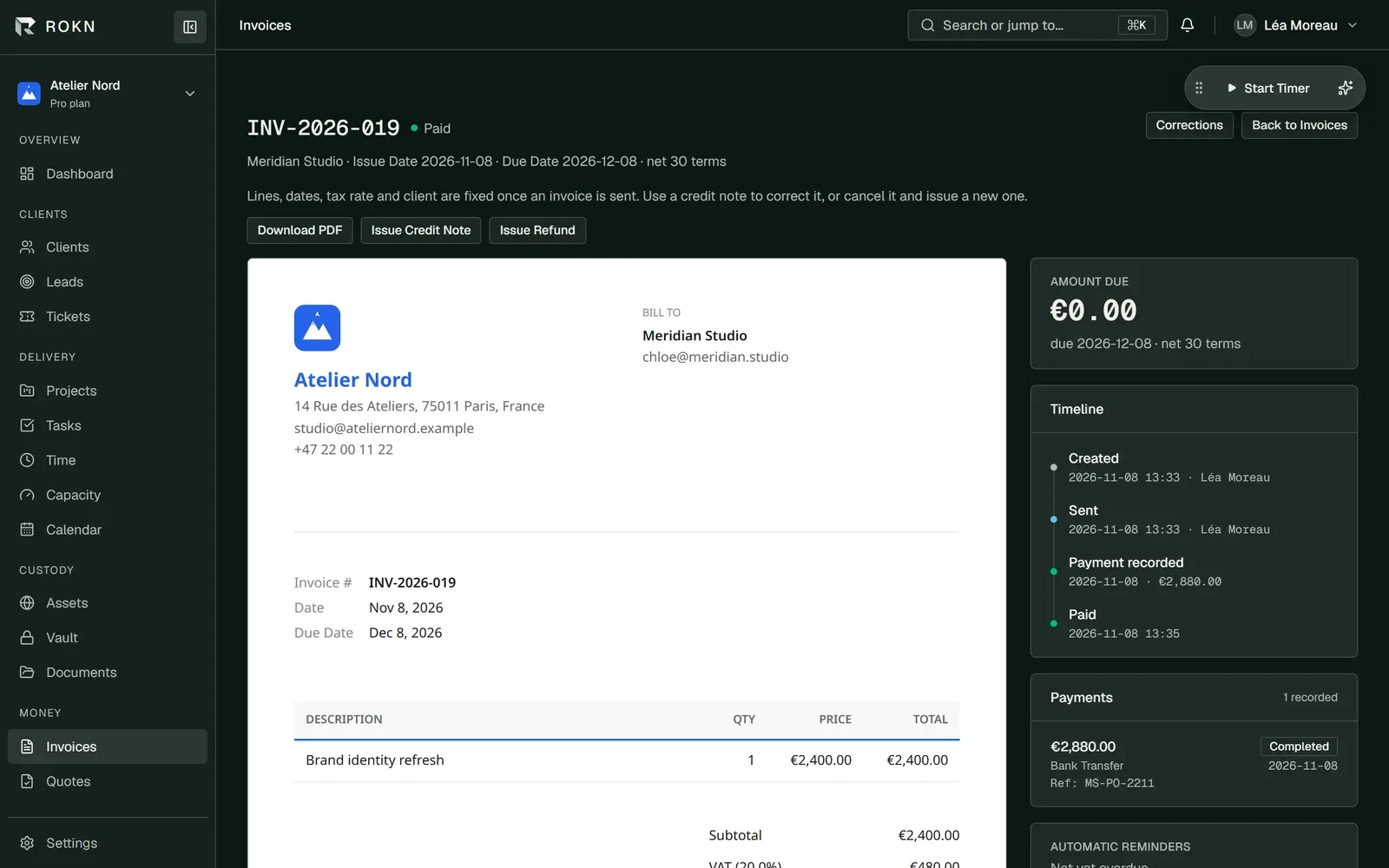
Web design invoice template
An invoice for a web design project: what every invoice must show, how to list design work, and the payment details that get you paid on time.
What it is for
An invoice is a request for money, and a legal document in most places. It has two jobs: to give the client everything they need to pay, and to give you and your accountant a correct record. Most late payments come from missing details (no payment instructions, no purchase order number, an unclear due date) rather than unwillingness to pay. This page is for designers invoicing a project or a milestone. The layouts in Rokn (Clean, Professional and Compact) show the same sections: header, client, invoice details, line items, totals, payment information, notes and footer.
The template
INVOICE number
Your business name
address — tax number — email
Bill to: Client name, addressTax number / PO number
Invoice date: dateDue date: date
Reference: Quote number, project name
| Description | Qty | Unit price | Amount |
|---|---|---|---|
| Stage or deliverable, e.g. Visual design | 1 | amount | amount |
| Stage or deliverable | 1 | amount | amount |
| Extra rounds, hours | h | rate | amount |
Subtotal: amount
Tax (rate% / exempt because: reason): amount
Total due: amount currency
Payment
Pay by bank transfer to account holder, IBAN or account number, BIC or sort code using the reference invoice number, or online at payment link.
Payment is due within 14 days. Late payments may incur interest as the law allows.
Thank you for your business.
What it must contain
- Your details
Business name, address, tax or VAT number and contact. Required by law in many countries.
- Client details
Legal name and address, and their tax number if they need it, plus a purchase order reference if they use one.
- Invoice number and dates
A unique number in sequence, the issue date and the due date or payment term.
- Line items
Each stage or deliverable with its price. Match the wording of the quote.
- Tax
The rate or the reason for an exemption, and the tax amount.
- Total and currency
The amount due, clearly marked, with the currency.
- Payment information
Bank details, a payment link and a reference to quote, so the client knows how to pay.
- Notes and late payment
Any late-payment terms you agreed, and thanks.
Use it in Rokn
1. Set the numbering, payment terms, bank details and default tax rate once in Settings, Invoices and tax, and pick a layout in Invoice & quote layouts. 2. Choose New Invoice, pick the client and add a line for each stage, or use Convert to Invoice on an approved quote. 3. Save and Send: Rokn numbers and dates it, makes the PDF and emails it. Clients pay by card through your own Stripe account or with your own PayPal, and reminders go out before and after the due date.