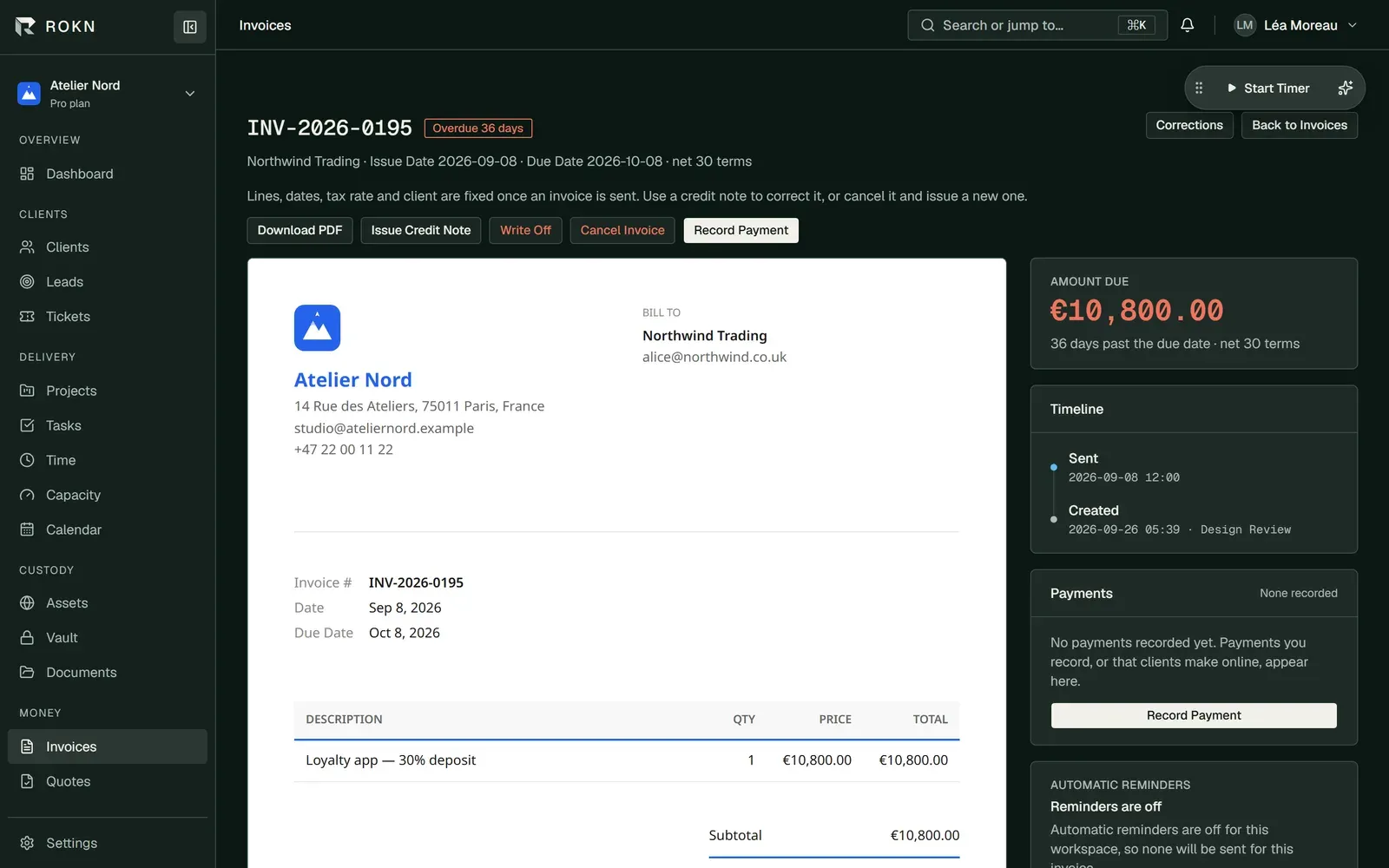
Deposit invoice template
A deposit invoice for a part payment before a project starts, and how the final invoice subtracts it so nothing is billed twice.
What it is for
A deposit invoice asks for part of the price up front, usually after the client has accepted a quote. It protects you from starting work for a client who never pays, and it commits the client to the project. The only technical difficulty is the end of the project: the final invoice has to show the full price, subtract the deposit already paid, and leave the right balance. The usual deposits are a percentage of the quote (30 to 50 percent is common) or a fixed amount. State the percentage, the quote and what remains.
The template
DEPOSIT INVOICE number
Your business name
address — tax number — email
Bill to: Client name, address
Invoice date: dateDue date: date
Reference: Quote number dated date, project name
| Description | Amount |
|---|---|
| Deposit: 30% of the agreed price of quote total | deposit amount |
Subtotal: amount
Tax (rate%): amount
Total due: amount currency
Balance to be invoiced on completion: remaining amount plus tax.
Work starts when this deposit is paid.
Pay by bank transfer to bank details using the reference invoice number, or online at payment link. Due within 7 days.
---
Final invoice (later)
| Description | Amount |
|---|---|
| Full price from the quote | amount |
| Less: deposit paid (invoice number) | -deposit amount |
| Balance due | amount |
What it must contain
- Reference to the quote
The accepted quote by number and date, so the deposit is clearly part of an agreed price.
- Deposit amount
The percentage or fixed amount, the amount of the deposit and the tax on it.
- What remains
The balance still to be invoiced after the deposit, so the client sees the whole picture.
- When work starts
A sentence saying that work starts when the deposit is paid.
- Payment details
Due date, bank details or payment link.
- The final invoice
The later invoice that shows the whole price and subtracts the deposit.
Use it in Rokn
1. On the Invoices page, choose New Invoice for the client and add one line for the deposit, for example "Deposit, 30% of quote QT-2026-014", with its amount. 2. Send it like any invoice: the client can pay by card through your own Stripe account, with your own PayPal, or by bank transfer. 3. When the work is done, convert the approved quote into its final invoice and add a line that subtracts the deposit already paid.